Web scraping tools are indispensable for extracting valuable data from websites efficiently and at scale. Whether you’re monitoring competitor prices, gathering insights from social media, or compiling research datasets, the right tool automates complex tasks and saves countless hours of manual effort. From no-code options for beginners to enterprise-grade platforms with fine-grained control, this guide compares the best choices available today.
The best tools go well beyond basic extraction: think JavaScript rendering, Captcha solving, IP rotation, headless browsing, scheduling, retries, and robust APIs that feed your BI/ETL stack. We’ll highlight key features, unique capabilities, ideal use cases, pricing, and practical trade-offs so you can match a tool to your goals and budget.
Compliance first: Always respect terms of service, robots.txt, and applicable laws (e.g., privacy, copyright, database rights). Secure a legitimate purpose and, where required, consent or another lawful basis. Scrape ethically.
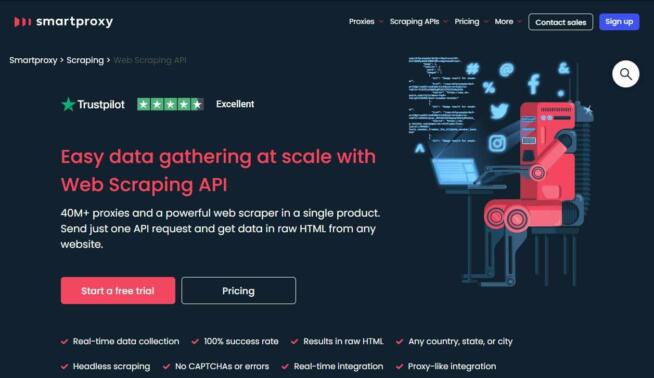
Decodo is a reliable web scraping stack that blends a large proxy network with straightforward data collection features. With access to 40M+ proxies, it minimizes IP blocking and supports geo-targeting, while delivering raw HTML for teams that prefer to run their own parsers. The experience is intentionally simple: configure, point to target pages, and receive fresh data.
Pros
Large, diverse proxy pool with easy integration
Real-time collection; universal site compatibility
Captcha automation, API requests, continuous delivery
Flexible pricing; free trial to validate fit
Cons
Trial could be longer for complex PoCs
Regional VAT can increase total cost
Pricing: from $50/mo (Lite); enterprise options available.
Nimbleway emphasizes pipelines and real-time delivery. Its web interface and Playground make configuration approachable, while multi-language SDKs keep developers productive. The Nimble Browser with fingerprinting boosts stealth on modern, bot-guarded sites, and unlimited concurrency prevents pipeline bottlenecks on bigger runs.
Pros
Clear UI with step-by-step setup
Real-time alerts; API-first design
Good multi-language coverage
Scales from 10 to 80+ pipelines (tiers)
Cons
Enterprise plan (~$3,400/mo) fits only large programs
Support responsiveness could be faster at peak times
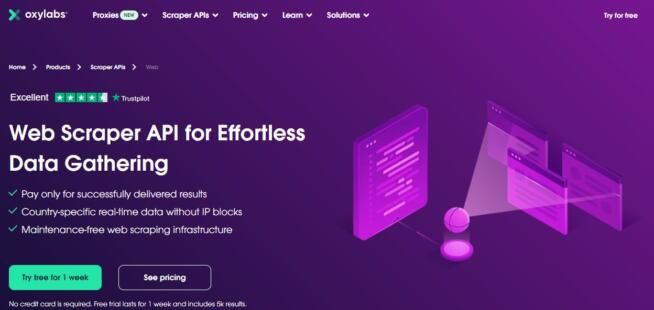
Oxylabs offers a broad proxy footprint (10M+ across 180+ countries) and scraping APIs with pay-per-result economics, charging only for successful extractions. Expect JS rendering, country-level targeting, auto-retry, and fewer Captchas. It’s a clean fit for teams that want global reach without micro-managing infrastructure.
Pros
Fast responses; near 100% success on common targets
Pay-for-success pricing aligns cost with outcomes
Real-time scraping + granular geo targeting
Cons
Advanced plan pricing can be steep for smaller teams
No dedicated AM on lower tiers
Pricing: Micro $49/mo (17,500 results, up to 10 RPS); Advanced $249/mo.
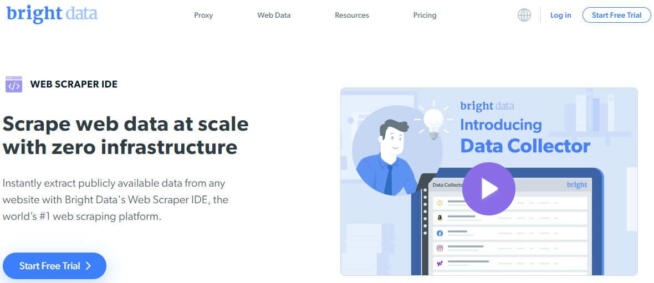
Formerly Luminati, Bright Data blends no-code flows with deep developer primitives (Python/C#/PHP/Java). It shines when you need automated workflows, a variety of data sources (eCommerce, ads, social), advanced filters (location/time/compliance), and integrations to BI pipelines. Output formats include API, HTML, and CSV.
Pros
Huge proxy options + purpose-built datasets
No-code + full SDKs for hybrid teams
7-day free trial to test core flows
Cons
Pricing via sales only; tougher for quick budget checks
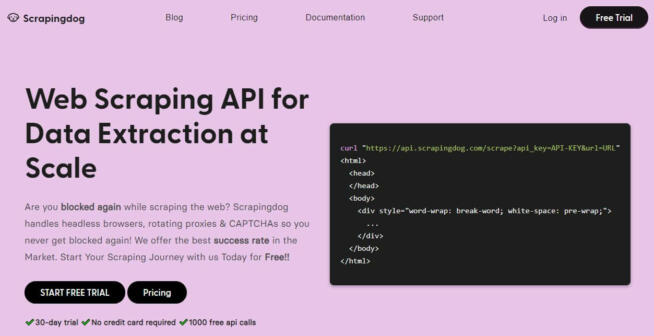
Scrapingdog offers fast, budget-friendly APIs and a reported ~99% success rate on dynamic sites (social/eCommerce). Higher tiers unlock JS rendering; Captcha automation and IP rotation protect stability. JSON output, filtering, and Growth Tracker support make it attractive for dev teams and scrappy data ops.
Pros
Competitive pricing; generous 30-day trial
Built-in Captcha handling; easy JSON integration
Good for targeted product/category runs
Cons
Money-back window (1 day) is short
Some advanced features gated to Pro tiers
Pricing: from $20/mo (10k requests); Pro ~$200/mo.
Apify is a platform for building and running actors (reusable scraping/automation units). Choose from community storefronts or build your own with Node/Python; wire into Zapier or Airbyte. IP rotation, Captcha solving, and access to diverse proxy types give you the primitives to tackle tougher targets.
Pros
Free plan to explore actors; strong marketplace
Automation-friendly; ETL integrations
Scales to team-grade memory & retention
Cons
UI density can be daunting at first
Support response is average on lower tiers
Pricing: lifetime free tier; Team from ~$499/mo for heavier workloads.
Scraper API is developer-centric: plug a URL into an endpoint, get clean HTML/JSON back. It supports cURL, Python, Node, PHP, Ruby, and Java. Captcha automation, smart rotation, and JS rendering are handled for you. A 7-day trial and a forever-free plan (limited credits) make it easy to test.
Pros
Fast start; minimal code changes
Unlimited bandwidth; geotargeting on Business+
Good concurrency options for higher tiers
Cons
Lower tiers may cap credits/threads
Some anti-bot patterns still require custom retries
Pricing: from $49/mo; Business ~$299/mo (3M credits, 100 threads).
A desktop-first, no-code tool (Windows/Linux/macOS) with a friendly click-to-extract interface. It’s particularly handy for image extraction and well-structured sites. Free plan limits (up to 200 pages per run) are generous enough to prototype; paid plans bring scheduling, IP rotation, and cloud saves.
Pros
Great for non-developers and one-off audits
Exports to Dropbox; simple scheduling
Image capture for visually rich targets
Cons
Free plan lacks rotation; larger jobs need upgrades
Professional plan is pricey for small teams
Pricing: Free (40-min runs, 14-day retention); Standard $189/mo; Pro $599/mo.
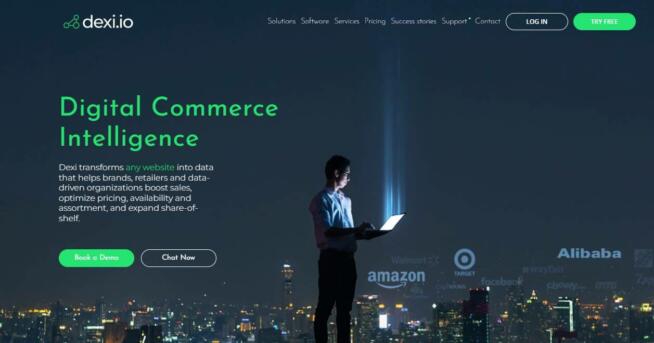
Dexi is web-based and prioritizes data transformation and aggregation. If your pipeline needs reshaping, deduplication, and enrichment as much as scraping, Dexi’s post-processing is compelling. It integrates with third-party tools and scales via custom subscriptions: number of sites, records, and frequency.
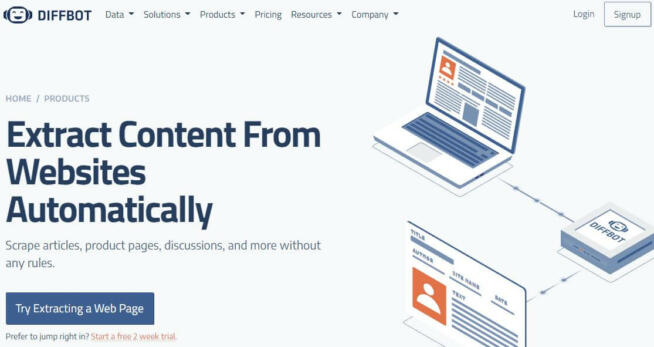
Diffbot uses AI to parse the web into structured entities (Organizations, People, Products). Crawlbot enables multi-domain crawls; Captcha handling and Zapier/Excel integrations streamline workflows. CSV/JSON exports and SDKs in Python, PHP, Ruby, Selenium, and JS cover most stacks.
Pros
AI-first entity extraction; less CSS/XPath wrangling
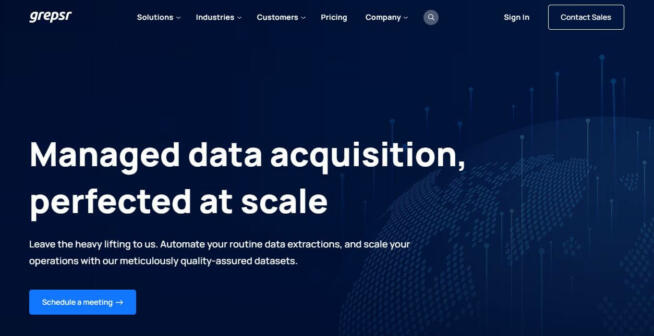
A managed approach: tell Grepsr what you need, and get clean datasets delivered. Supports pagination, Captchas, crawling, and unlimited bandwidth for heavy pulls. 24/7 support is a standout for teams who want reliability without staffing a scraping team.
ZenRows focuses on beating anti-bot defenses via automatic JS rendering, Captcha solving, and dynamic IP rotation. A simple API supports Python/JS/Ruby and more, while smart proxy management removes manual overhead. Geo-targeting and header customization help you tailor requests to finicky sites.
ScrapeOwl combines simplicity with robustness. It offers an intuitive API with IP rotation, Captcha solving, and JS rendering, suitable for dynamic, protected sites. The pricing is approachable (from $5/mo) and pay-as-you-go works well for small, sporadic projects.
Import.io offers a no-code interface plus an API for developers. Real-time extraction supports market research and competitor monitoring, while built-in data transformation cleans/structures datasets pre-export. Formats include CSV, Excel, and JSON; pricing (from $249/mo) aims at business/enterprise teams.
Webz.io is more than a tool—it’s data-as-a-service with access to the open web (news, blogs, forums, social) and even dark web sources. Expect advanced filters, customizable parameters, real-time streams, and deep historical archives for longitudinal analysis. Compliance and ethics are first-class citizens.
A lightweight browser extension for point-and-click extraction. Perfect for tables/lists and quick one-off tasks without installing heavy software. Power users can write custom scripts. Exports to Excel/CSV/Google Sheets for immediate analysis.
Octoparse is a no-code desktop app (Windows/macOS) with drag-and-drop workflows and a cloud runner. It handles dynamic sites (infinite scroll/JS), supports Captcha solving and IP rotation, and exports to CSV/Excel/DB. Great for teams who prefer GUIs but need heavy-duty jobs.
Pros
Beginners become productive quickly
Cloud scraping + scheduling for always-on jobs
Multi-threaded runs for big lists
Cons
Advanced plans (API/multi-thread) get pricey
Pricing: Free (basic, up to 10k records/export); Standard ~$75/mo; Pro ~$209/mo.
An open-source Python framework for pros who want maximum control. Scrapy excels at large-scale pipelines, with middleware for headers/cookies, rotation, and pagination. Integrate Captcha services, message queues, cloud storage, or deploy distributed clusters for serious throughput.
Pros
Free, mature, and extremely customizable
Great ecosystem (Splash, Frontera, Scrapy Cluster)
Playwright (from Microsoft) is a modern automation framework for scraping and testing. It controls Chromium, Firefox, and WebKit and shines on SPA and JS-heavy sites. Expect automatic waits, headless mode, multi-tab scraping, auth flows, and form/Captcha handling. Proxies and rotation can be configured programmatically.
Rule of thumb: If you need outcomes fast (CSV/API tomorrow), pick a managed or no-code option. If you need control and scale, pick a developer framework + a rotation/Captcha service.
Team skill & ownership. No-code (ParseHub, Octoparse, Import.io) vs. low-code platforms (Apify) vs. frameworks (Scrapy, Playwright). Match to who will maintain it.
Anti-bot sophistication of targets. If sites are JS-heavy and guarded, prioritize rendering + rotation + Captcha (Oxylabs, Bright Data, ZenRows, Scraper API).
Data volume & freshness. Real-time pipelines? Consider Nimbleway, Webz.io, Oxylabs. Batch exports? Apify actors or Grepsr managed datasets.
Budget & predictability. Pay-per-result (Oxylabs) for predictable unit economics; API credits (Scraper API/Diffbot) for dev teams; flat plans (Octoparse/ParseHub) for GUI users.
Governance & compliance. Favor vendors with clear documentation, DPA, and lawful sourcing. Implement rate limits, caching, and data minimization.
Playbooks: Common Use-Case Recipes
eCommerce price tracking (daily)
Start with Apify or Oxylabs for product URLs (actors/APIs).
Enable rotation + JS for dynamic pages and A/B variants.
Export JSON to a warehouse; schedule transforms; alert when deltas > X%.
Competitor content monitoring (weekly)
Use Scraper API or Scrapingdog for blog/category feeds.
Normalize titles, tags, and publish dates; store snapshots.
Send Slack/Email digest with changes; archive HTML for audit.
Social signal sampling (near real-time)
Consider Webz.io for streams + historical backfill.
Filter by language/region/keywords; respect platform ToS.
Feed to sentiment model; alert on spikes or negative trends.
Research dataset assembly (one-off)
No-code with ParseHub or Octoparse for quick prototypes.
Switch to Scrapy for repeatable pipelines and metadata fidelity.
Publish data dictionary + provenance; de-identify sensitive fields.
Web Scraping Tools — Frequently Asked Questions
+ What is web scraping?
Web scraping is automated extraction of structured information (text, images, metadata) from websites for analysis, monitoring, enrichment, or integration into other systems.
+ What are web scraping tools?
They’re software/services that automate data collection. Options range from no-code GUIs to developer frameworks and managed “data-as-a-service” providers.
+ Who uses them?
Marketers (pricing/assortment), researchers (datasets), sales ops (leads), product teams (UX/content), finance (alt-data), and media (aggregation).
+ What features matter most?
JavaScript rendering, Captcha solving, IP rotation, retries, scheduling, APIs/SDKs, and exports (CSV/JSON/DB). Governance and compliance matter at scale.
+ Do I need to code?
Not necessarily. No-code tools cover many use cases. For scale/complexity, coding (Apify/Scrapy/Playwright) offers more control and resilience.
+ Are there free tools?
Yes—free tiers and trials exist (Apify, ParseHub, Scraper API). They’re great for prototypes but often cap credits or features.
+ Why is IP rotation important?
Rotation mimics natural traffic and reduces blocking. Pair with realistic headers, pacing, and caching for best results.
+ What is JavaScript rendering and when do I need it?
Rendering executes client-side code (e.g., React/Vue) to reveal content that plain HTTP can’t see. It’s essential for SPA or heavily dynamic pages.
+ How do Captcha-solving features work?
Vendors use AI or third-party solvers and present proof tokens automatically. Use responsibly and only where permitted by law/ToS.
+ Which export formats are supported?
Typically JSON/CSV/XML; many tools write directly to Sheets, S3, DBs, or expose REST/gRPC endpoints.
+ Can these tools handle large projects?
Yes. Look for concurrency controls, queueing, retry/backoff, sharding, and bandwidth guarantees. Managed providers simplify ops.
+ Is web scraping legal?
It depends on jurisdiction, target site terms, and data type. Always obtain a legal basis and follow platform rules. This is not legal advice.
+ How much do tools cost?
From free tiers to several hundred dollars per month; enterprise DaaS can reach thousands depending on volume and SLAs.
Marcus is a cybersecurity analyst with a focus on VPN and proxy services. As the founder and driving force behind a prominent VPN and proxy website, Private Proxy Guide, Marcus has emerged as a trusted authority in the digital realm. With a passion for staying ahead of evolving cyber threats, he has played a pivotal role in educating and empowering individuals and businesses to safeguard their online presence.