HideMyAss (www.hidemyass.com) was founded in 2005 and is one of the oldest VPN providers. So, what have they learned in all these years of running a VPN service?
First, let’s talk about the strong points of HideMyAss – this service has a huge amount of servers. You can choose any from more than 760 in more than 190 countries. That means that you can connect to almost any country in the world, and that is really impressive! Additionally, you can choose from more than 320 available server locations! In this regard, HMA can be called a truly global service, where you can connect even to servers in the most exotic corners of the planet. But the number of servers does not mean anything if the connection speed is too low.
HideMyAss understands this perfectly, and therefore you cannot complain about the speed when working with this service. Even if you watch a stream in the heaviest format you do not have to wait for the video to load! And yes, you can watch Netflix and BBC iPlayer using this VPN service. The versions of the HMA client for all major operating systems work without any complaints — well, maybe, except the design, because the preferences are individual.
However, there are some pitfalls. The disadvantages of this service include a rather meager range of features, where there is neither the possibility of an emergency disconnection from the network on Android nor forced DNS leaks protection (although the service swears that you will never face such a problem). It still supports some popular security protocols like PPTP or L2TP.
Please note that you should NOT use HideMyAss to download illegal torrents according to HideMyAss reviews on Reddit.
The most unpleasant aspect I found in my HideMyAss VPN review has to be the geography of the service — namely, the country where it is registered. Also, the service keeps your logs! Yes, this service now belongs to Czech-based Avast known for its great antivirus, but it is still registered in Britain, and the laws of this country are some of the strictest ones when it comes to data control.
Of course, HMA states that it will not disclose the data of law-abiding users. However, a relatively controversial reputation and the keeping of the logs can cause some users to go to some other competitive services.
In general, HideMyAss is a quite good VPN service, which does an excellent job of bypassing access blocks. However, this service does not provide its users with complete confidentiality. In general, it’s up to you whether to use it or not.
Facts about HideMyAss:
More than 760 servers in 320 locations and more than 190 countries.
Fast connection speed.
Unblocks US Netflix and British BBC iPlayer.
Supports all modern security protocols.
Attractive apps for all popular devices and operating systems.
Fast support via online chat and email.
Free trial and 30-days money-back guarantee.
Find our top VPN-provider alternatives to HideMyAss below.
Price: $9.60 $3.33/month
Servers: 6500+ in 140 coutrines
Simultaneous connections: 10
Jurisdiction: Hong Kong
Payment: PayPal, Credit Cards
Torrenting: OK
Unblocks US Netflix: Yes
Dedicated IP: $35.88/yr
TrustPilot Score: 4,7/5
Money-back: 31 days Visit PureVPN »
1. What is the HideMyAss logs policy?
When using a company’s services providing security, a person wants to be sure that this company will defend his interests, and not someone else’s. When you consider the VPN, it is a great idea to read its privacy policy and try to contact the representatives for any clarification you may need. The privacy statement of HideMyAss is written in very clear language. It has been edited on May 25, 2018, and changed according to GDPR.
In particular, it says that the company registers your login, connection and disconnection time, the amount of information transferred your real IP address and the IP address of the server you connected to. Everything is quite common. The difference from the others is that this information is stored for two or three months. Competing VPNs do not store it at all or limit the storage period to 30 days.
The firm claims that it stores information to improve the performance of its system, as well as to prevent the use of VPN to break the law or ethical rules. It is noteworthy that file exchange is named among the illegal acts, although some servers safely work with the BitTorrent protocol. The stored information can indeed be used to track the actions of a particular user, but it will be very difficult to do this. In addition, the declaration clearly states that the company does not register your actions and the file contents.
This is exactly what we would like to hear. As well as the fact that the company does not earn from advertising or selling data about its customers. The headquarters of HideMyAss is located in London, and the company operates under the jurisdiction of England and Wales. The laws of the United Kingdom require firms to store certain information about their customers. We do not think that you can judge a company only considering its location and jurisdiction. However, you need to know the laws and internal regulations of the company that you have business with.
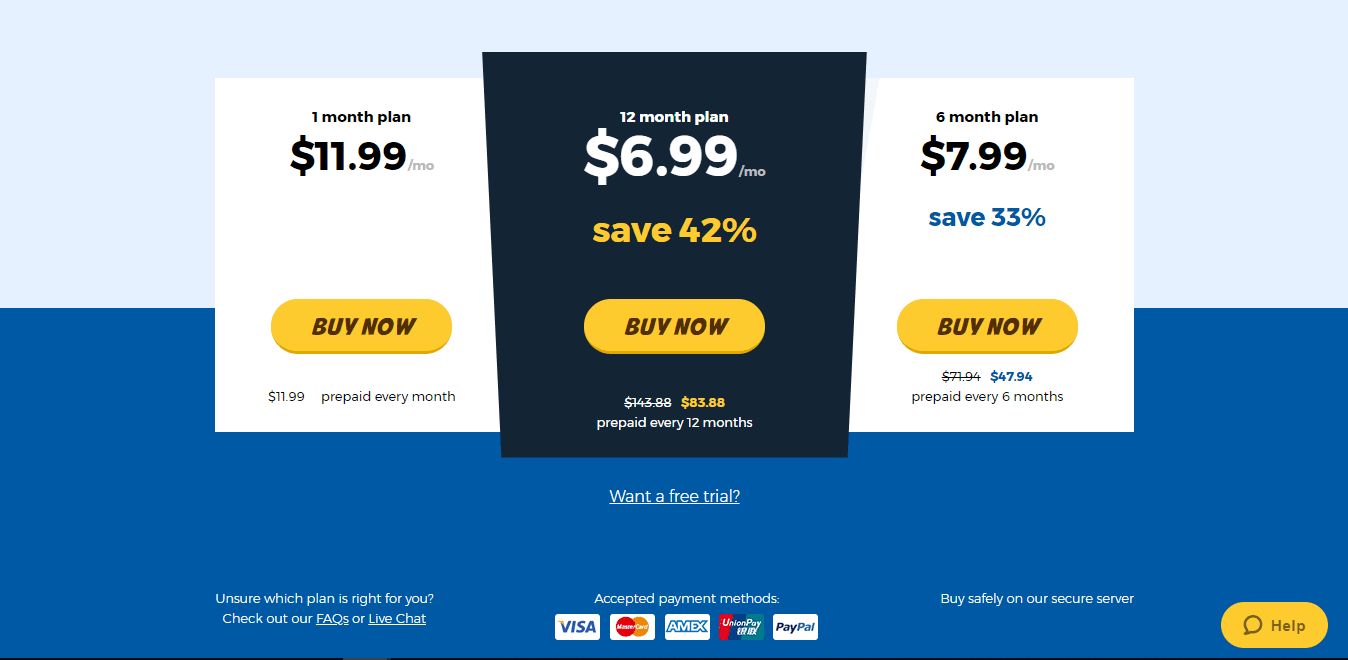
The HideMyAss plans are about the same as most competitors. They offer three billing plans: monthly, biannually, and annually. The longer period you sign up for, the better price you get. How much does the service cost?
It is quite affordable and not too expensive. Actually, there are many more expensive competitors. Additionally, the company offers 30 days free trial period but it is not included by default. You will have to click the link that you want to use the free trial period. The registration is fast and easy. You can register right in the application but better do it on the website.
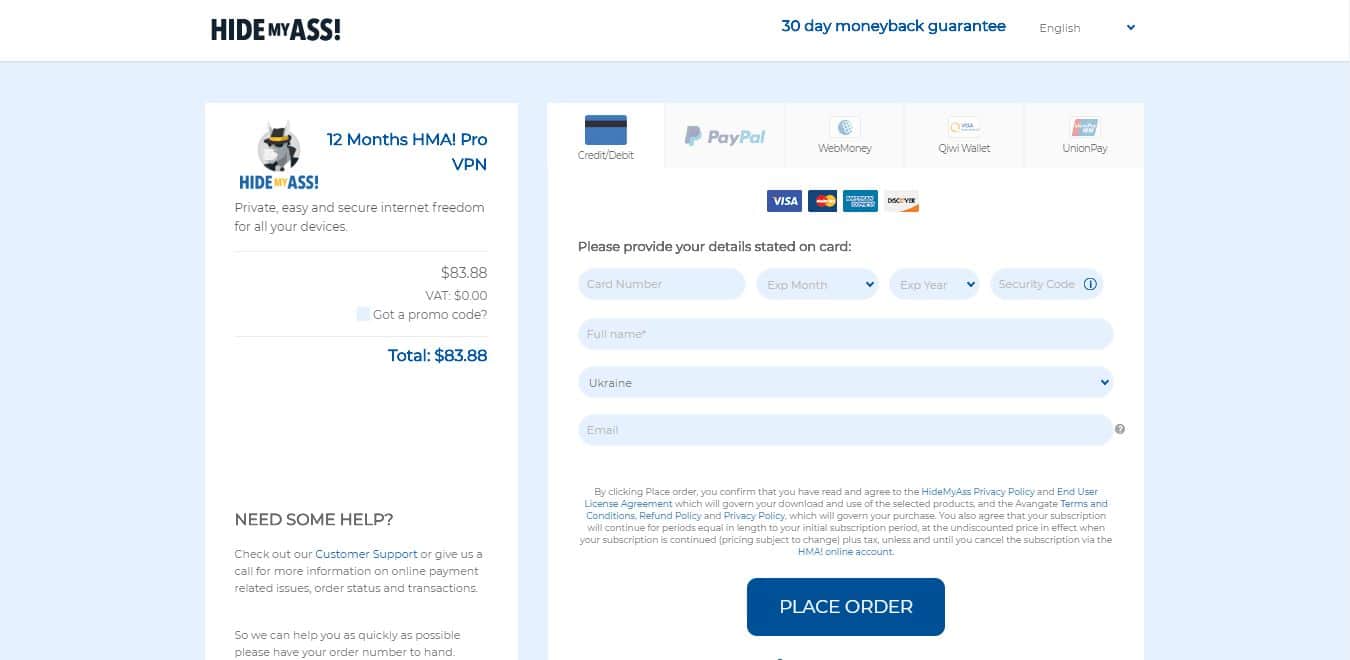
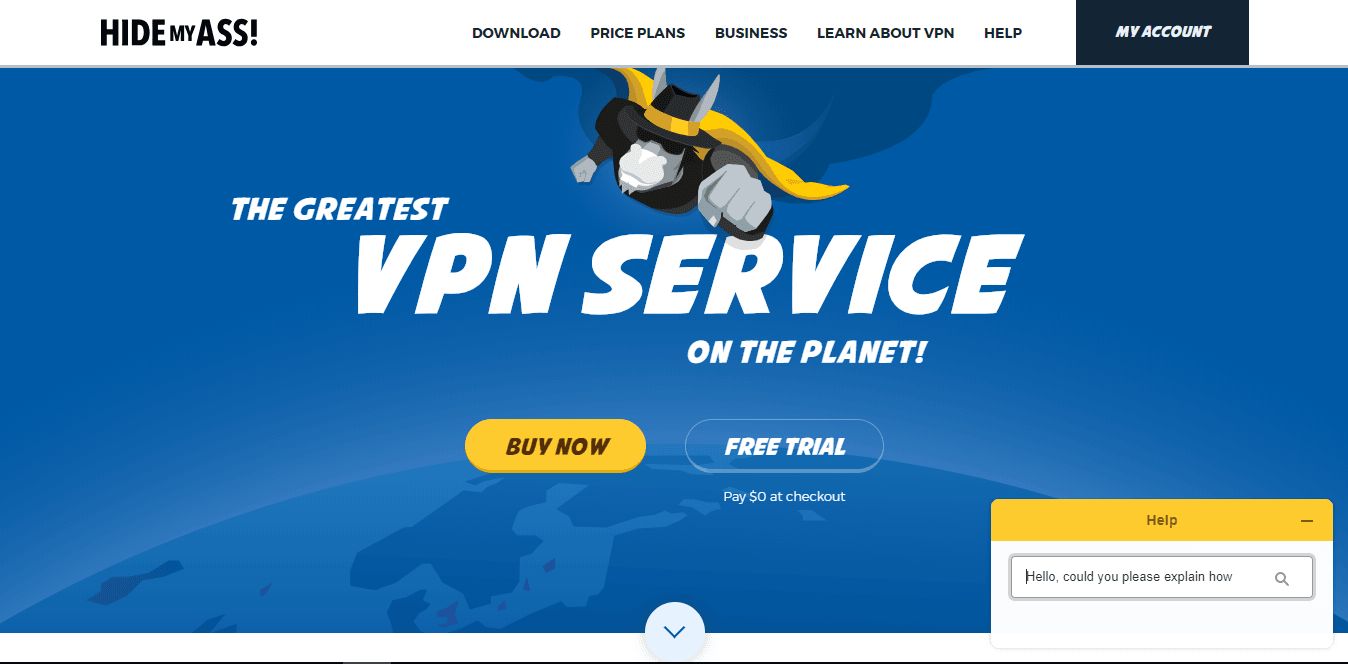
On the home page, click the Buy Now button, and choose the plan. If you need a trial period to test how the service works, click on the Want a free trial? Button.
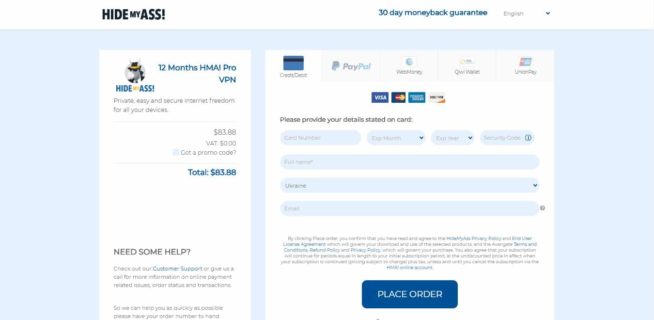
Select a payment method. You can choose from bank cards, PayPal, WebMoney, QIWI Wallet, and UnionPay. If you opt to use the trial period, only the credit card and PayPal options will be available. Enter the required data and click on the Place Order button.
After that, you get a confirmation email and your subscription activates.
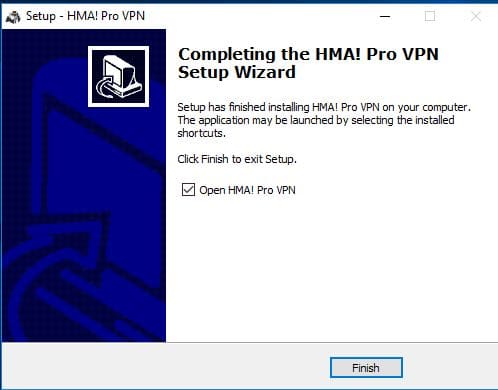
Once your subscription is activated, download and install the application for your device. Remember that you can hold up to 5 simultaneous connections on any device.
The applications are available for Windows, Mac, iOS, and Android. For other devices, you will be able to use the manual configurations. The app interface is very similar to the one on other different platforms. For example, when you compare the clients for Windows and Android, you will not see many differences. Recently, the interface was redesigned and it is even more attractive. Let’s have a closer look at the Windows and Android apps.
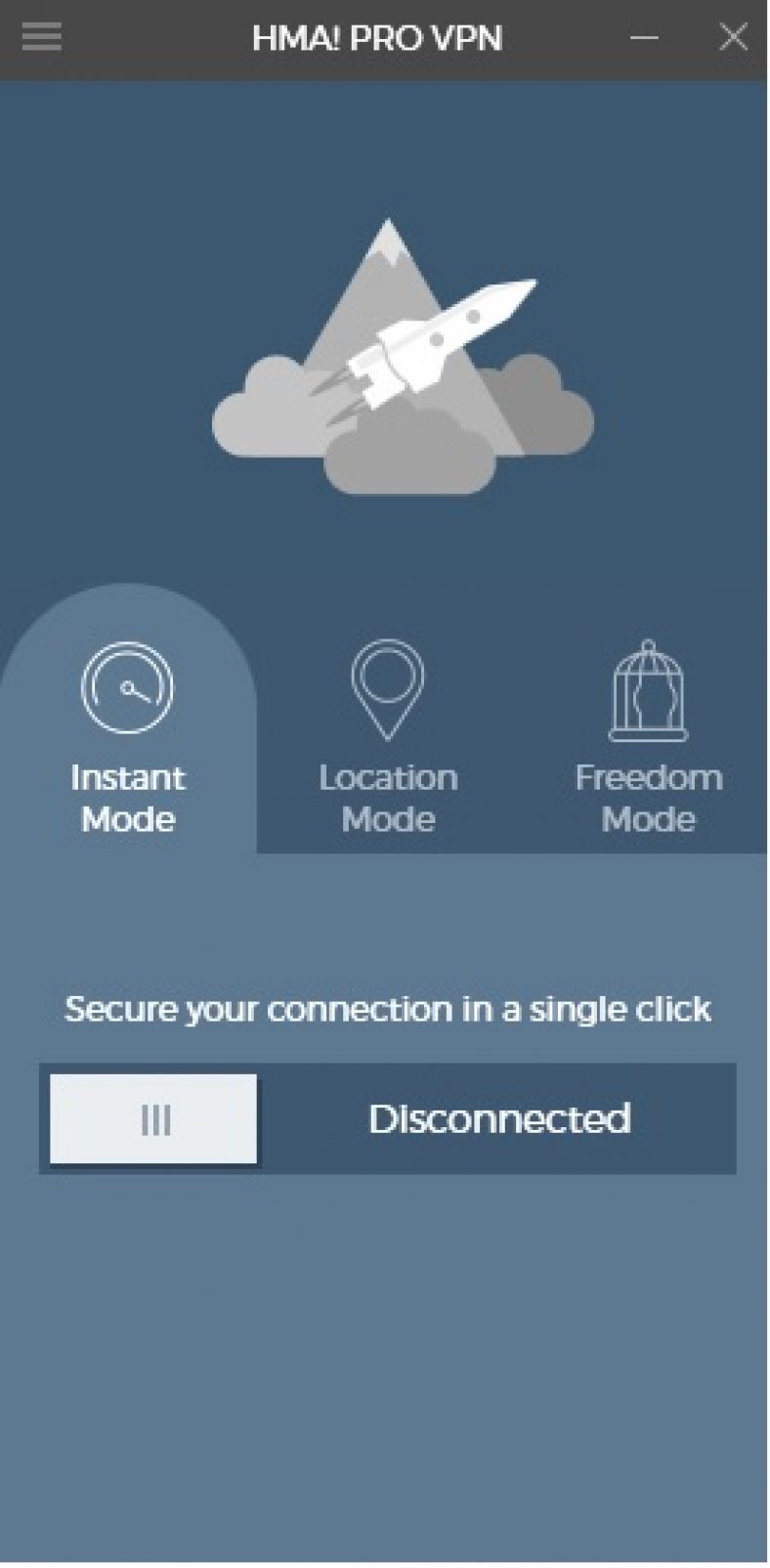
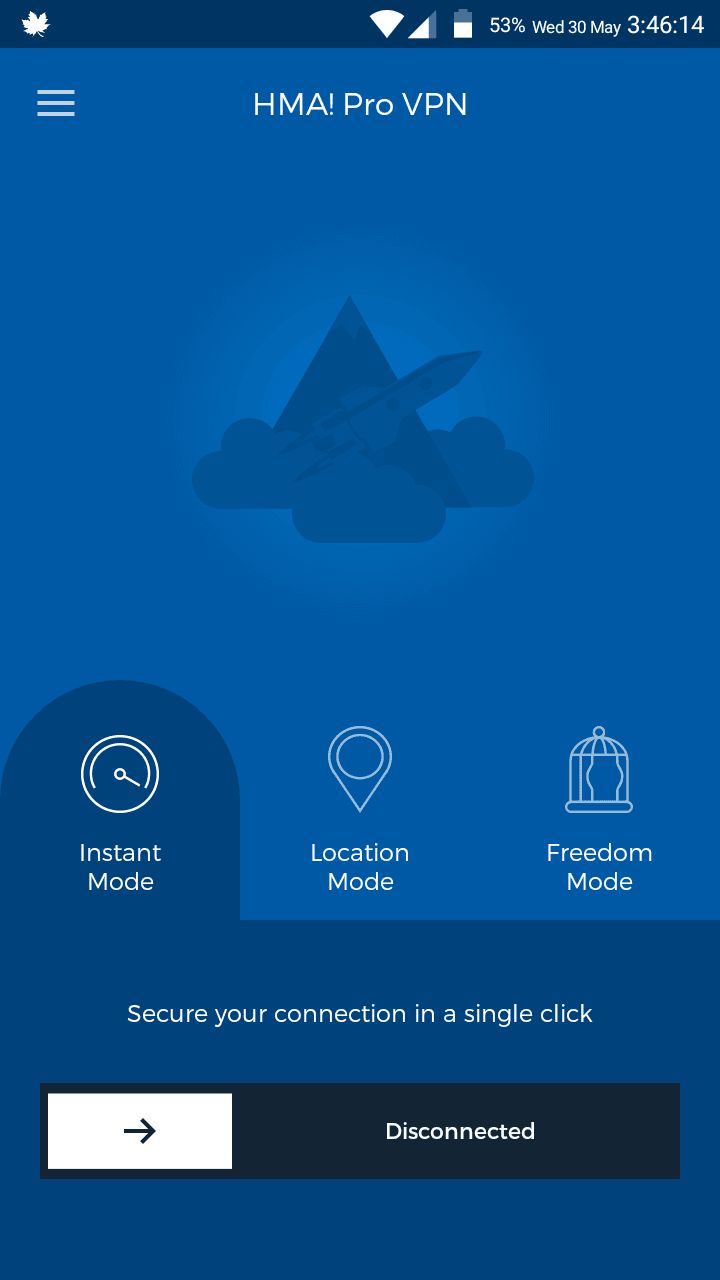
The new Windows app interface contains three tabs/modes. Each mode provides you with all the necessary features to use the VPN with no confusion or extra settings.
Instant Mode. Do you want to hide your identity and get absolute privacy? Then you should use this mode. Your connection will be encrypted with the best server.
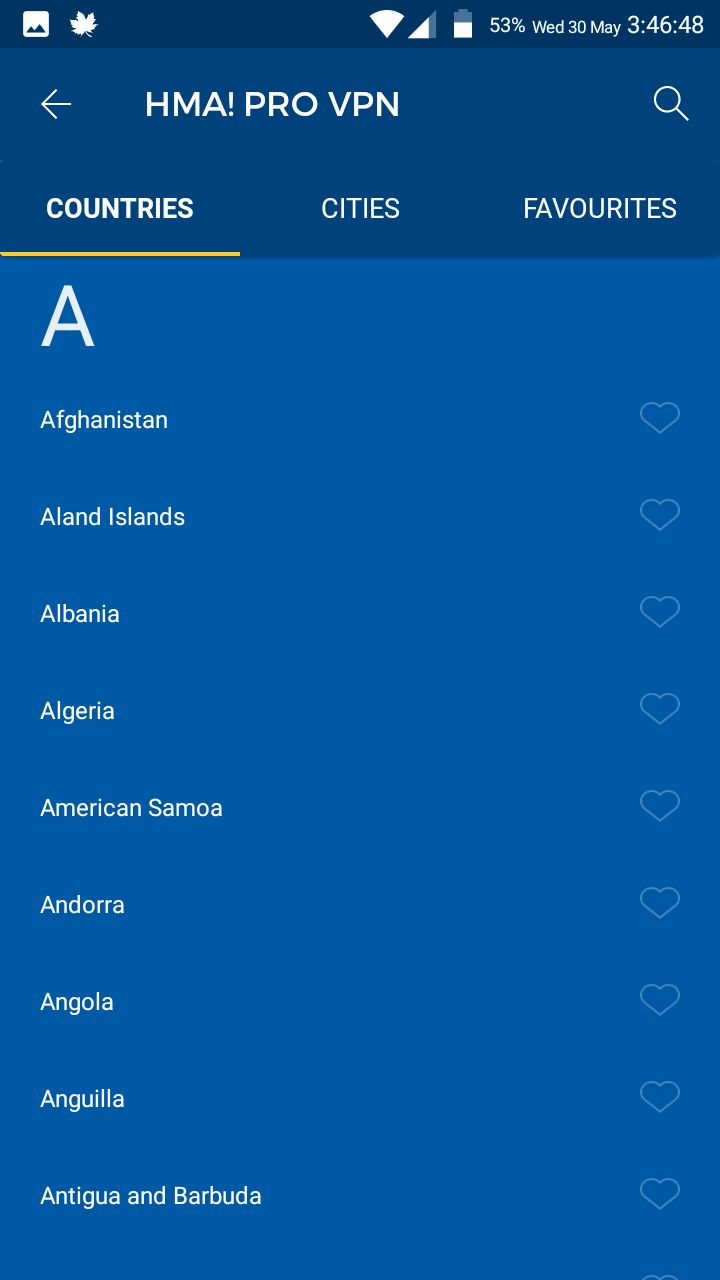
Location Mode. Here you can select which specific server you want to connect to. Is there a specific website which you would like to unlock? For such cases, you will need Location Mode. The list of servers is huge, and there are filters for countries and cities, as well as a search feature.
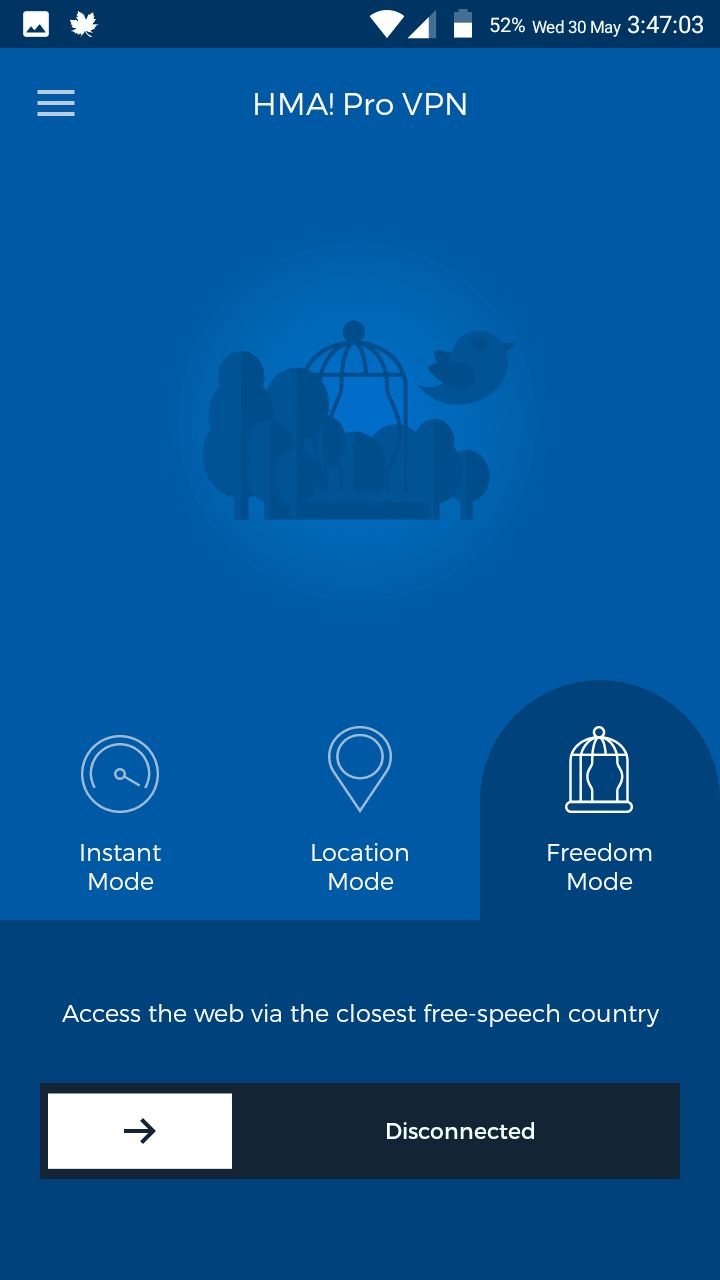
Freedom Mode. If you live in a country where there are many restrictions on sites (gambling, betting, 18+), then this mode will give you absolute freedom, as well as complete confidentiality. The mode will automatically connect you to a closer country where there is no censorship.
In the new version of the service, the HideMyAss developers minimized the possible settings you are able to choose. In the settings you can:
run the application when Windows starts,
minify the application when you open it,
automatically log in when the application starts,
automatically connect to the selected server,
choose an action for an unsecured Wi-Fi connection,
choose an app to use with the Kill Switch feature.
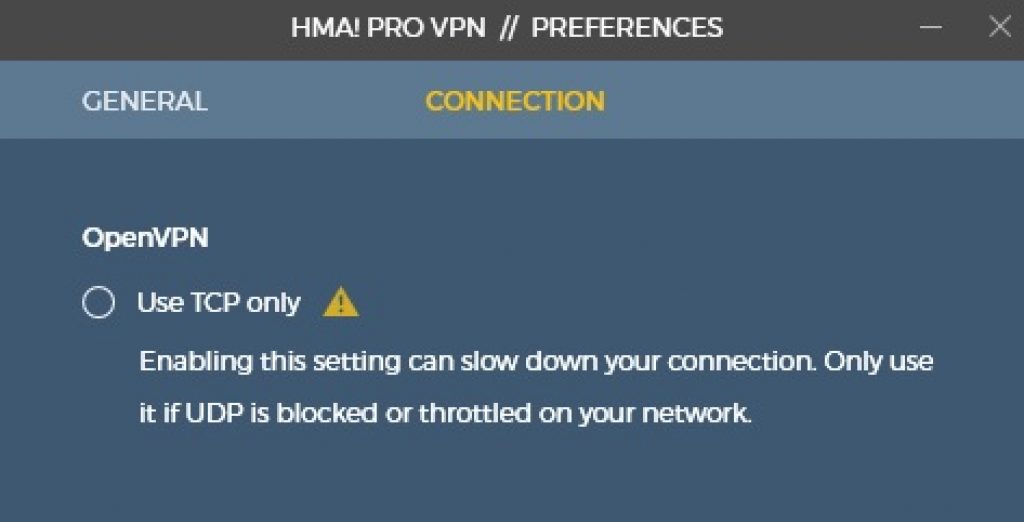
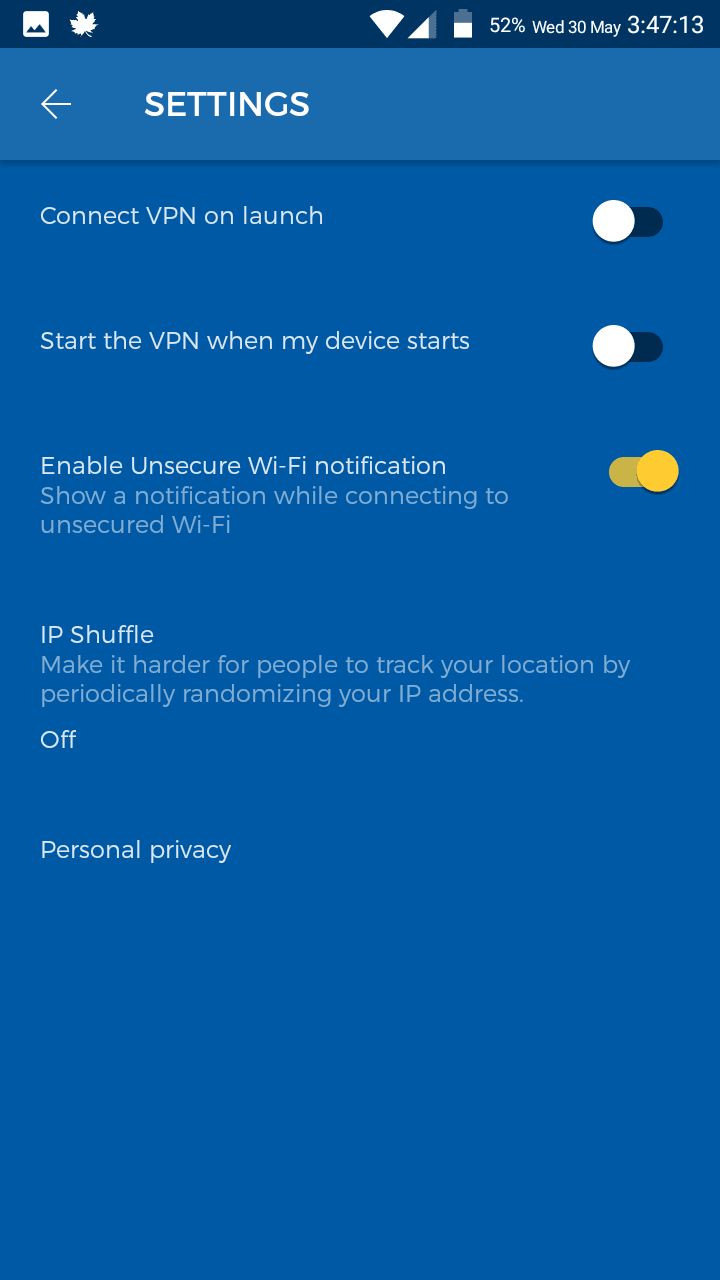
Finally, in the connection settings, we expected to be able to change the protocols. However, the only settings under your power are changing the connection type from UDP to TCP. The Android app has the same three modes and even fewer settings available to change.
You can:
run the VPN service when the device starts,
run VPN when the app launches,
notify about an unsecured Wi-Fi network,
change the IP address.
The interface is very simple, easy to use and fast enough. Again, there are some drawbacks. There is no kill switch feature, and there is no choice of necessary protocols. On the other hand, the software will provide you with one of the most positive VPN experiences when using.
There is no specific page on the website with all the features listed. Moreover, HideMyAss does not provide any features that are unique in comparison to other competitors. We would like to tell you about three of the most significant ones.
Secure online banking
As more and more people use online banking systems, it is important to be the most secure to make sure you do not lose any. HideMyAss provides great protection so you can be sure while using online banking via their servers.
Kill switch for apps
The feature that is standard for most competitors is not available for all devices with HMA. For example, on Windows, you can choose what apps will use the feature.
Unblock streaming
This is one of the services that provide a real solution to unblock American Netflix. Also, you can watch the content from practically any country.
Free services and features
HideMyAss offers several free services for its users.
The company offers free proxy servers every day. There is a special page where you can customize the location in accordance with the purpose of use.
Free web proxy. This type of proxy server provides more privacy when unblocking sites. The service is free, however, for a quick experience, it is recommended to purchase the Premium account.
Anonymous email. This service allows you to quickly create a free account and hide your real email address from third parties when registering for various services.
Anonymous referrer. When you post links, you can be easily tracked. HMA offers you its solution. You can easily anonymize your links and hide your website from being tracked. HideMyAss also offers JavaScript codes to convert your links to an anonymous version.
It is important to not only have a lot of servers but also a diversity of the regions where they are located. If you have, for example, 30 servers in 3 cities, you can still connect only to these three cities. In addition, the ratio of servers to the number of users is not less important. Usually, the more servers, the faster the connection speed, but if the VPN service X has a little more servers than the VPN service Y, but twice more users, then the VPN service X is likely to have slower connection speeds.
Unfortunately, VPN providers do not publish the number of their users, but they all try to connect more servers to their network than the competitors. Consider the number of IP addresses and server locations. The more IP addresses, the better your privacy is protected, and the more server locations, the easier it will be for you to access a wide variety of content.
The number of servers and geographic coverage are the key characteristics of any VPN. Here HideMyAss has something to brag about. If the total number of servers it has is 887, and it is an average level (the leaders have more than 3 thousand), then the geographical coverage — more than 320 locations in more than 190 countries – is the largest among all the VPNs we examined.
This list covers regions that most VPN providers ignore, in particular, Africa, and countries with repressive relation to the Internet: China, Russia, and Turkey. You can find the full list of them on the official website.
However, not everything is as beautiful as it seems. A company representative told us that many locations are nothing more than virtual servers. Real servers are installed in only 61 locations. All others are virtual servers. He further explained that the main part of the HideMyAss infrastructure is located in the following cities: Amsterdam, Frankfurt, London, Miami, New York, Prague, Seattle, and Singapore. Unfortunately, it is impossible to find this information on the company’s website.
It would be great to fix this defect in the future, so the user can clearly understand when he connects to a hardware server, and when to a virtual one, as it is impossible to know now.
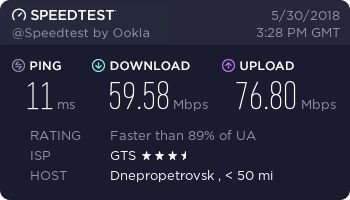
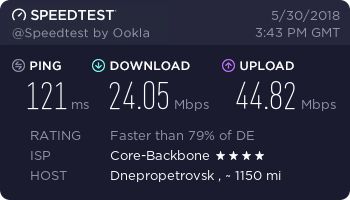
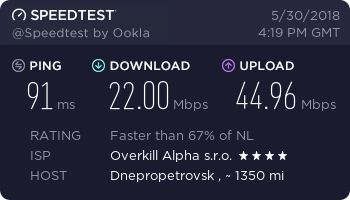
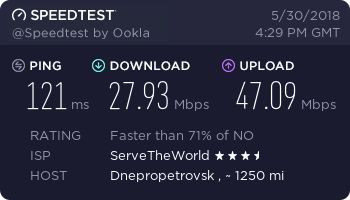
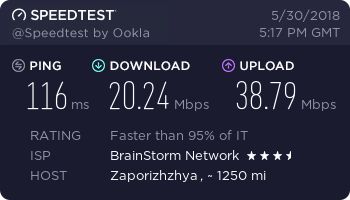
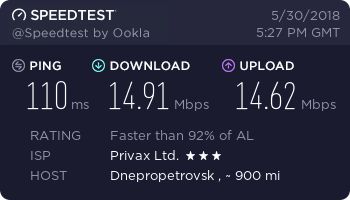
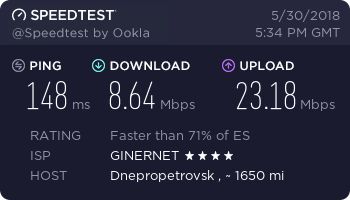
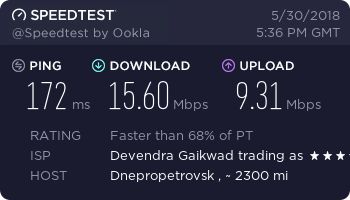
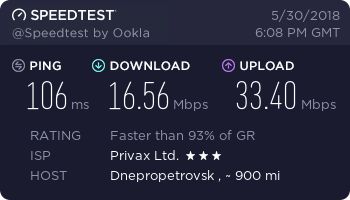
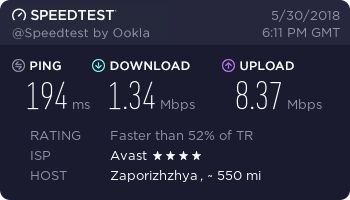
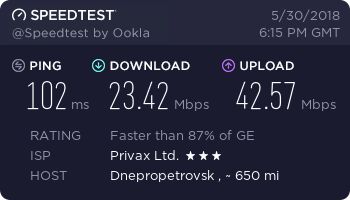
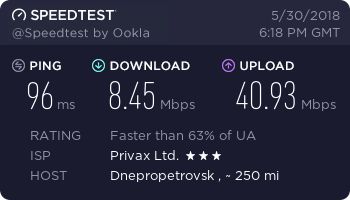
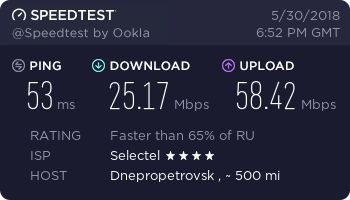
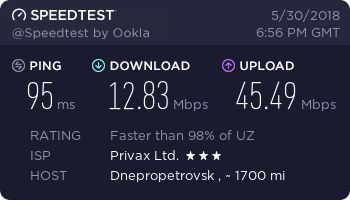
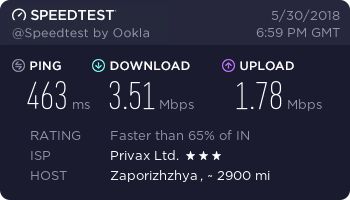
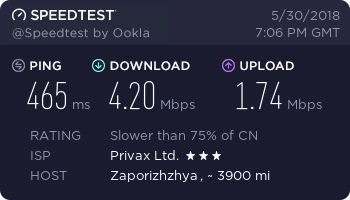
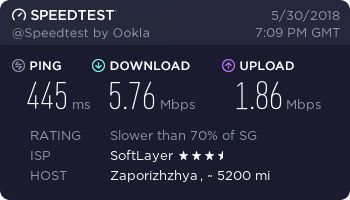
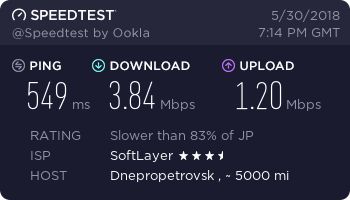
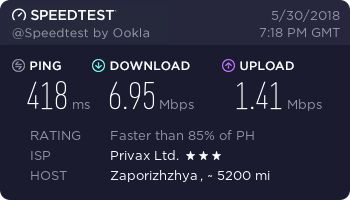
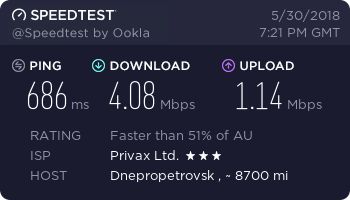
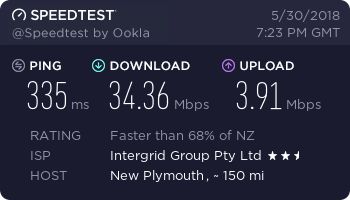
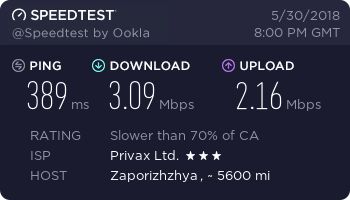
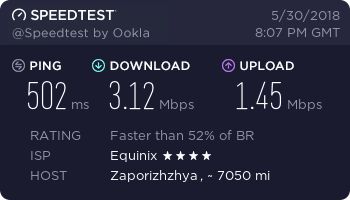
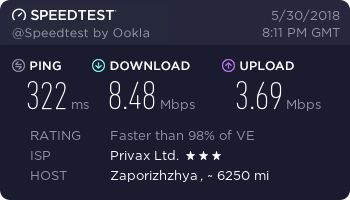
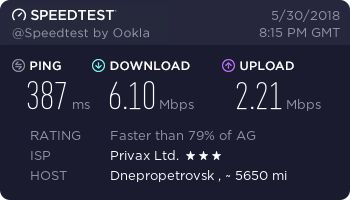
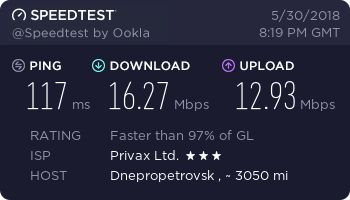
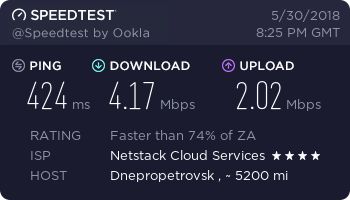
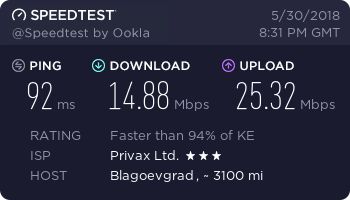
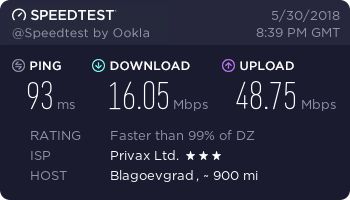
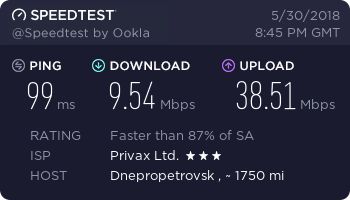
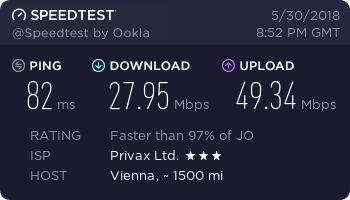
We tried some servers in different parts of the world to check how fast they are. We are physically located in Ukraine and we first used SpeedTest by Ookla to check the speed without a VPN.
Germany, Berlin
Netherlands, Amsterdam
Norway, Oslo
Czech, Prague
Switzerland, Zurich
United Kingdom, London
Poland, Warsaw
Italy, Milan
Albania, Tirana
Spain, Barcelona
Portugal, Leiria
Greece, Athens
Turkey, Istanbul
Georgia, Tbilisi
Ukraine, Odesa
Russia, Moscow
Uzbekistan, Samarkand
India, Mumbai
China, Beijing
Singapore
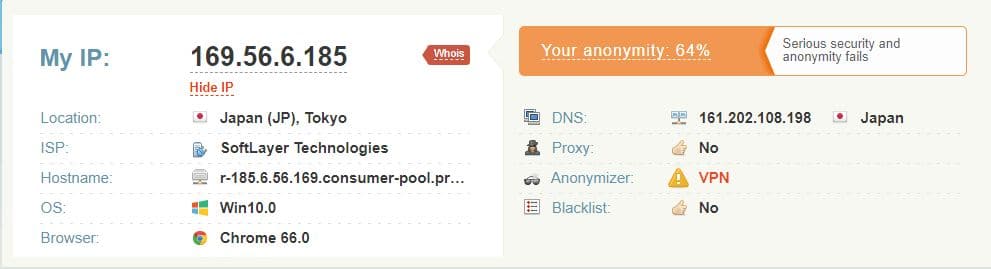
Japan, Tokyo
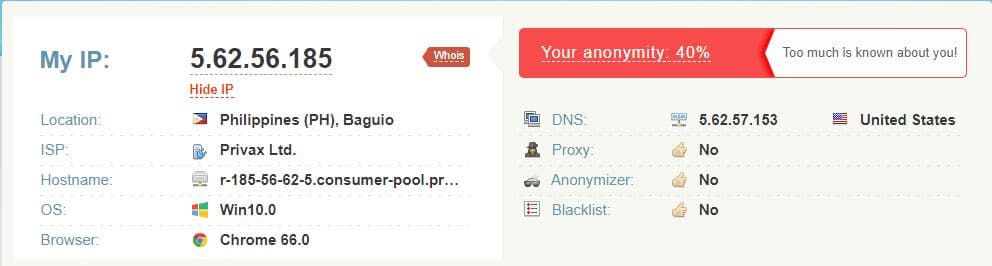
Philippines, Baguio
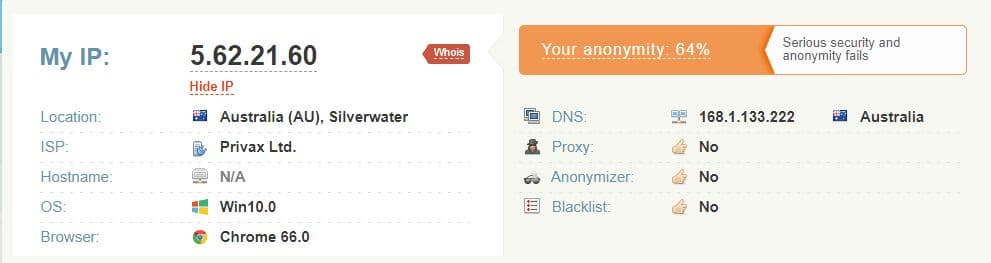
Australia, Melbourne
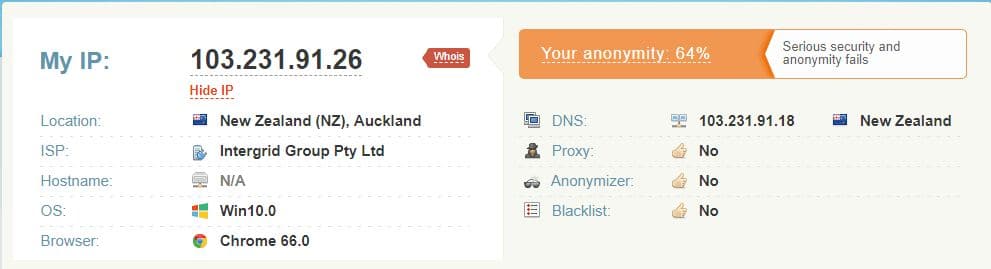
New Zealand, Auckland
USA, Miami
USA, Billings, Montana
USA, San Jose
Canada, Vancouver
Brazil, Rio de Janeiro
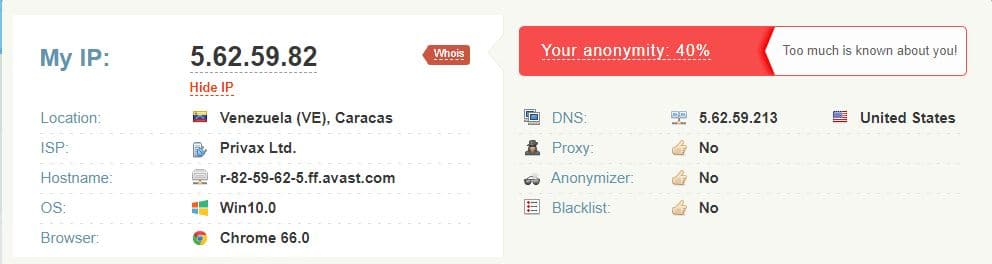
Venezuela, Caracas
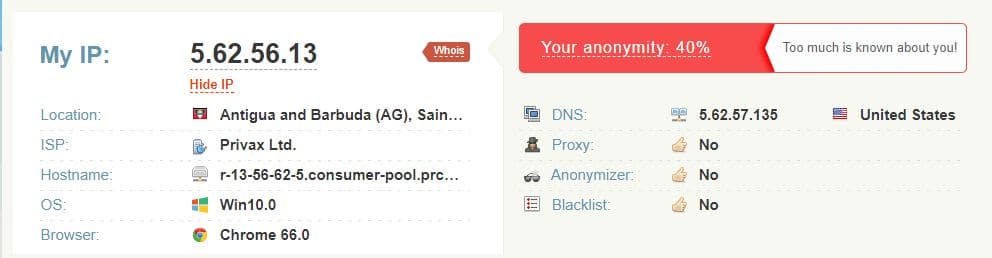
Antigua and Barbuda, Saint John’s
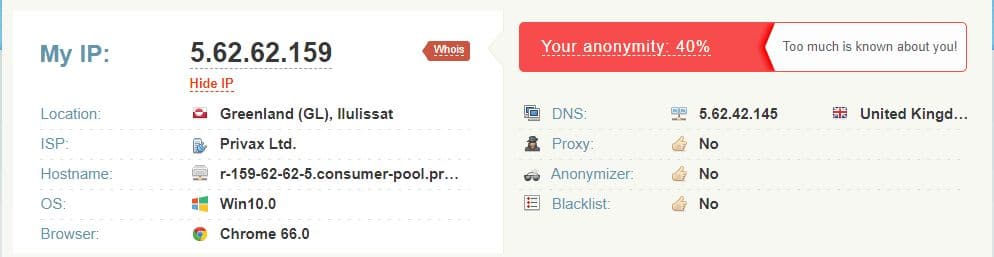
Greenland, Ilulissat
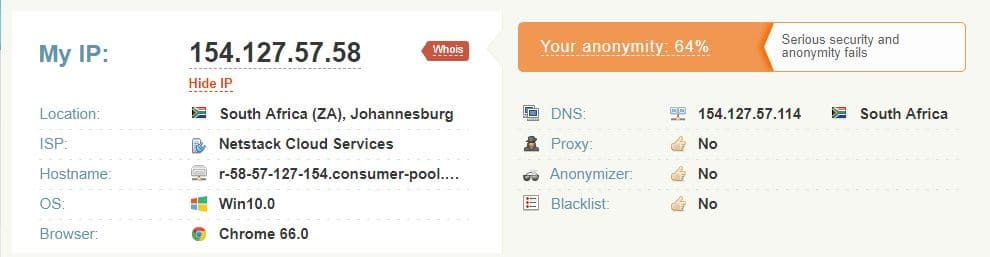
South Africa, Johannesburg
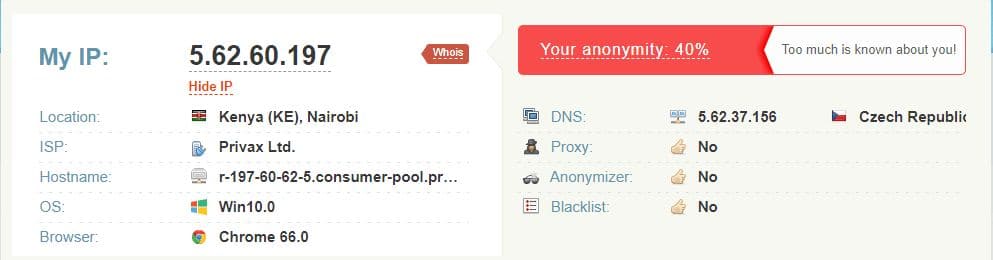
Kenya, Nairobi
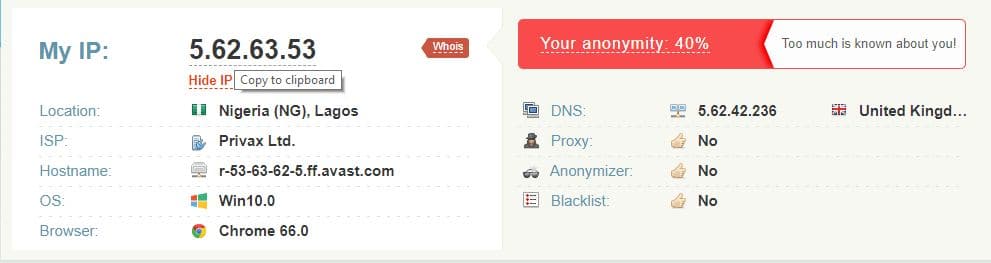
Nigeria, Lagos
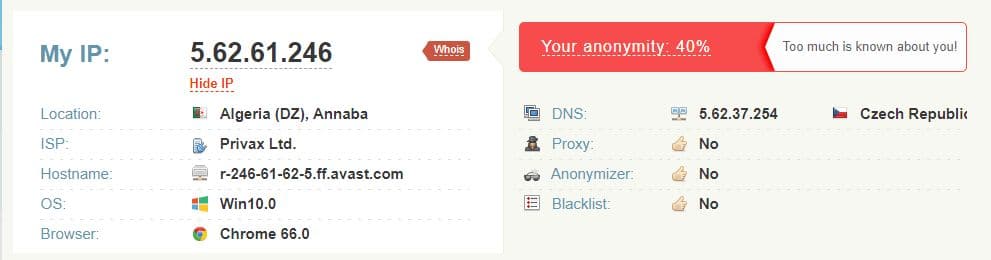
Algeria, Annaba
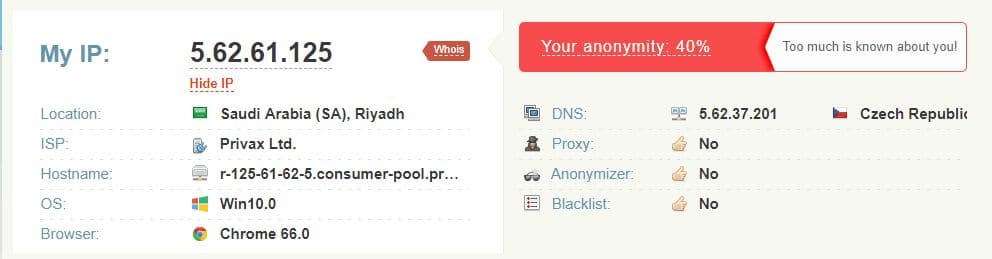
Saudi Arabia, Riyadh
Jordan, Amman
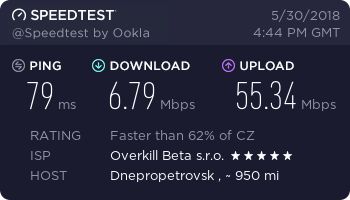
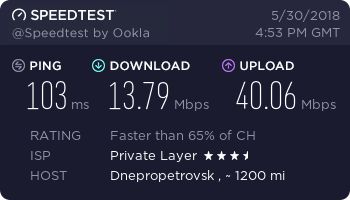
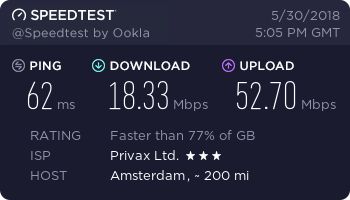
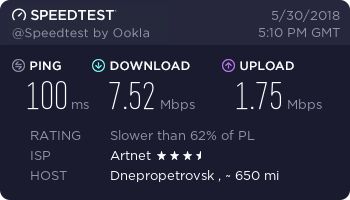
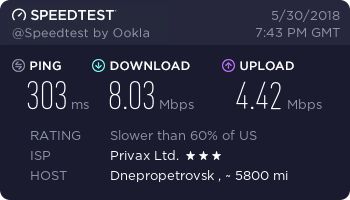
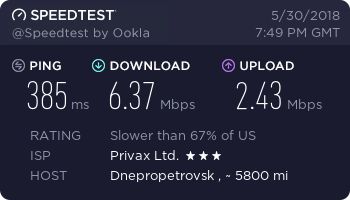
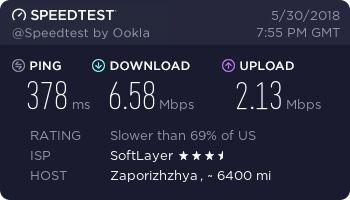
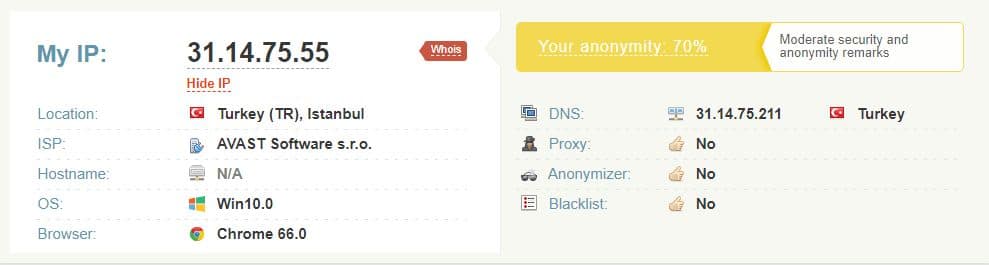
As we see, almost all the servers provide great speed. It was interesting to see that all of them connected to the closest server to your physical location.
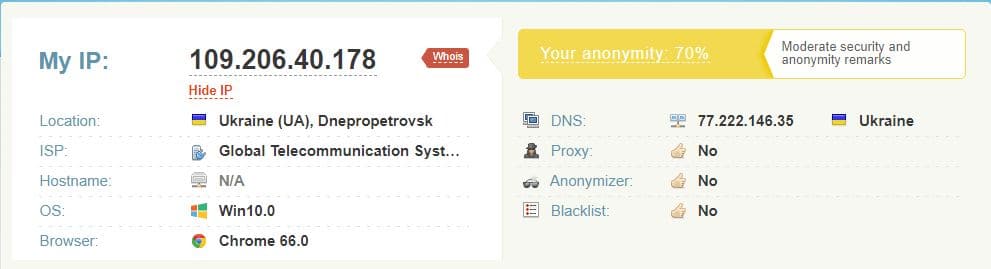
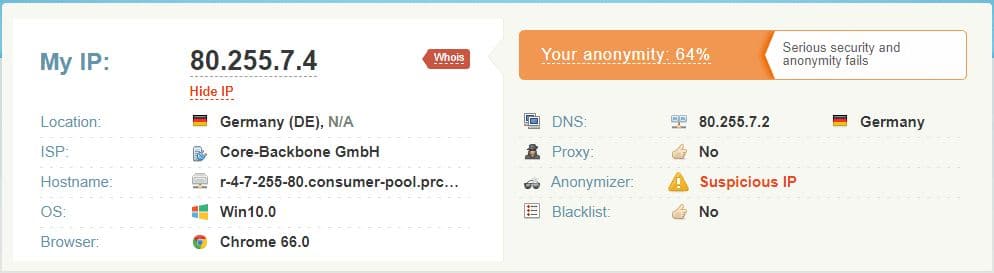
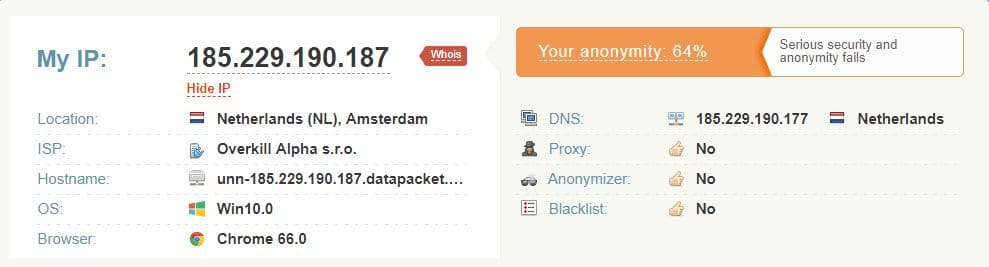
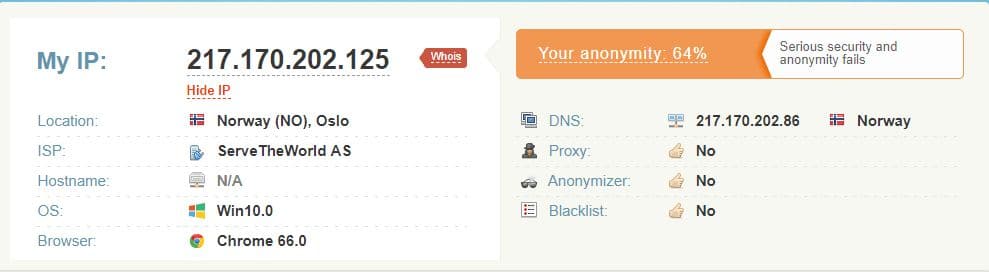
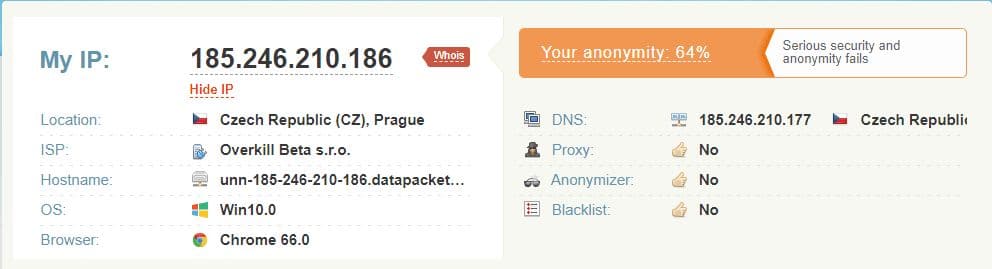
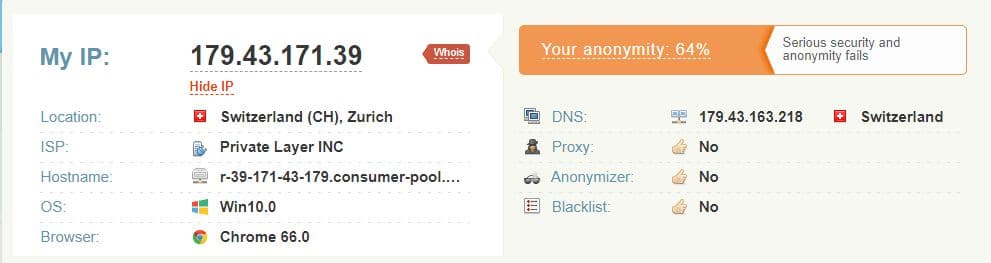
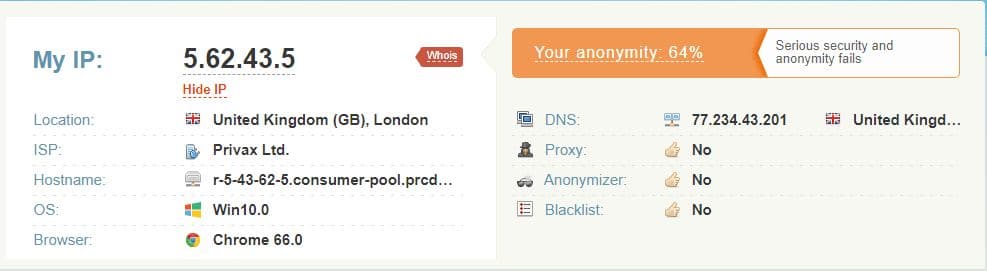
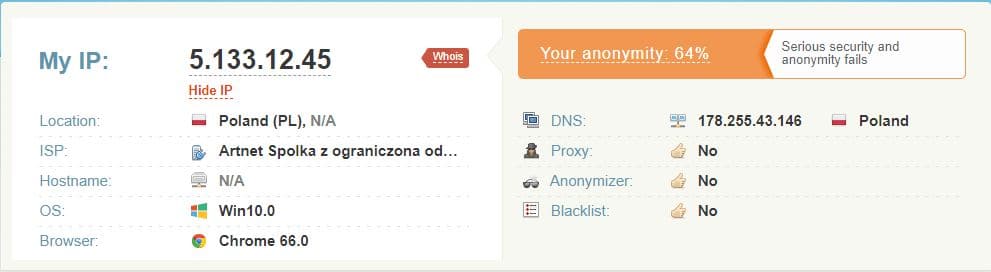
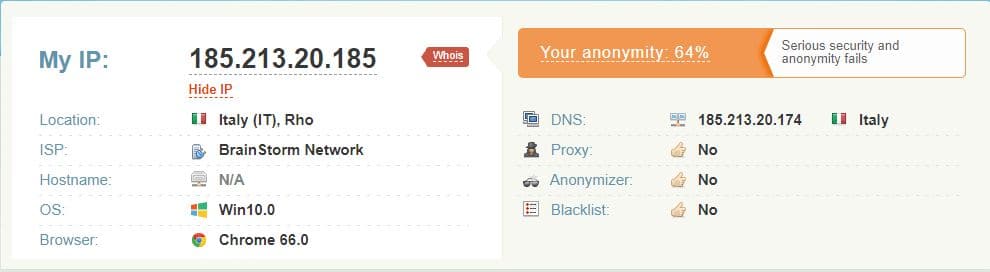
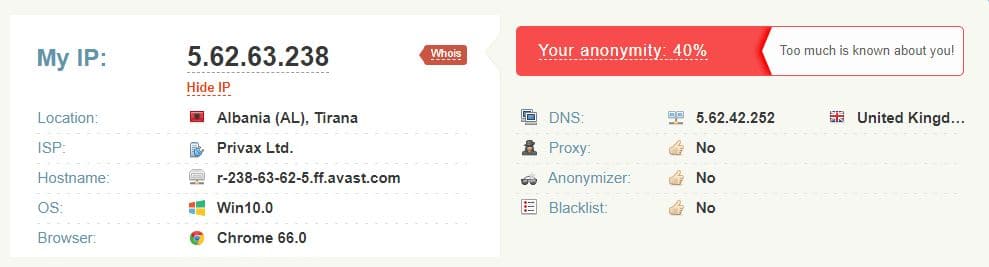
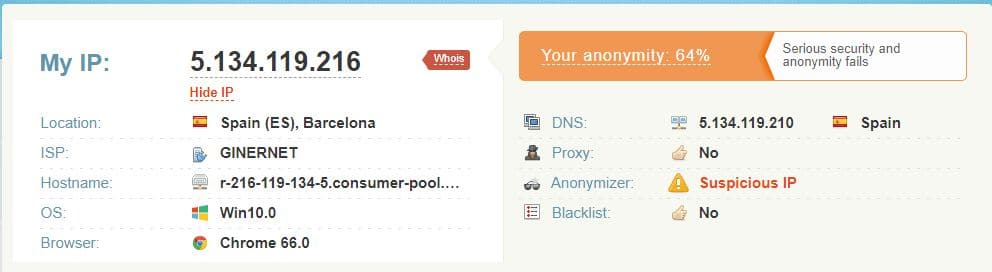
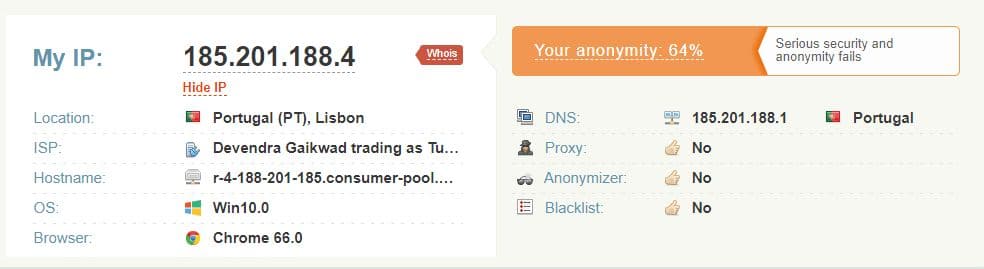
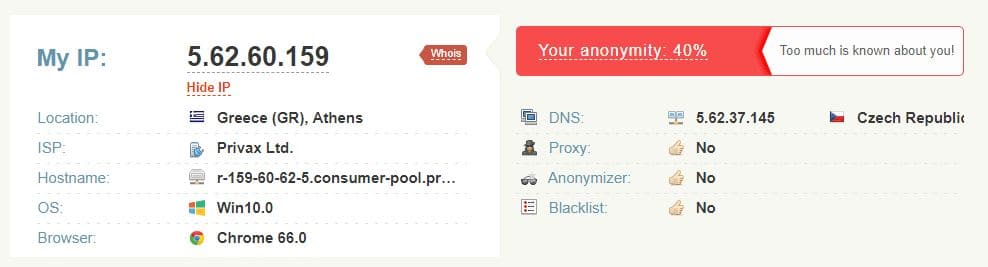
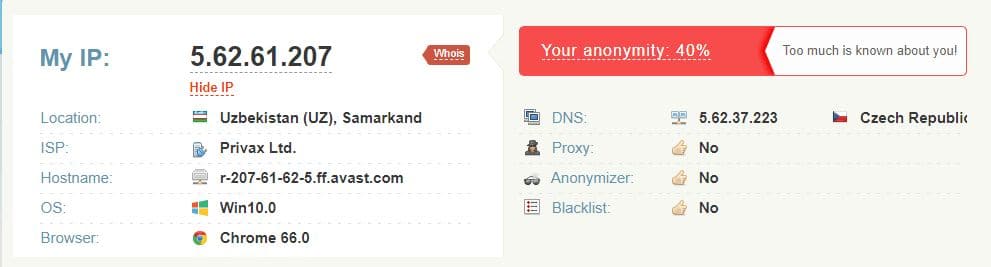
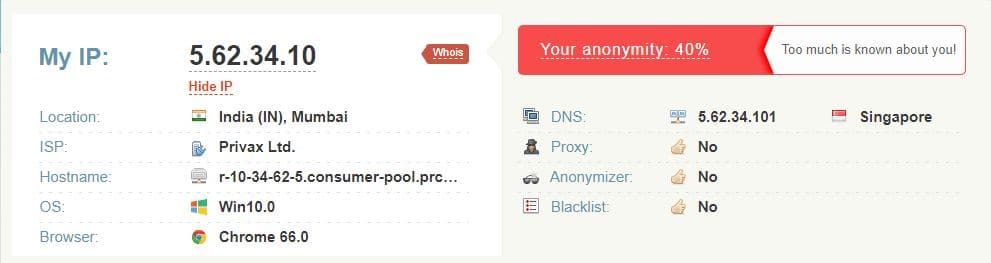
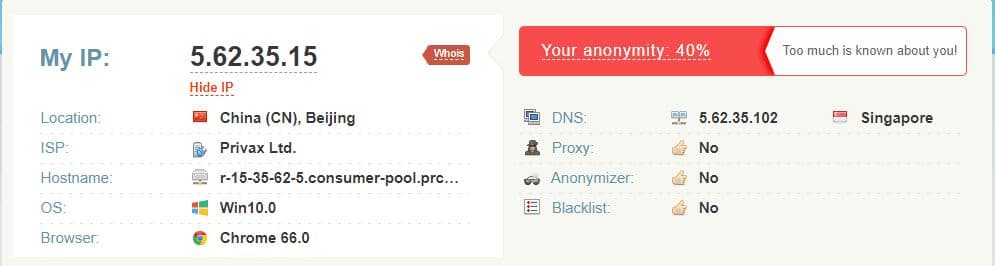
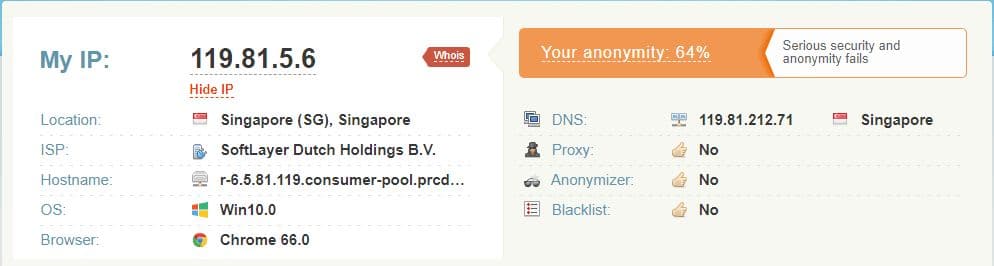
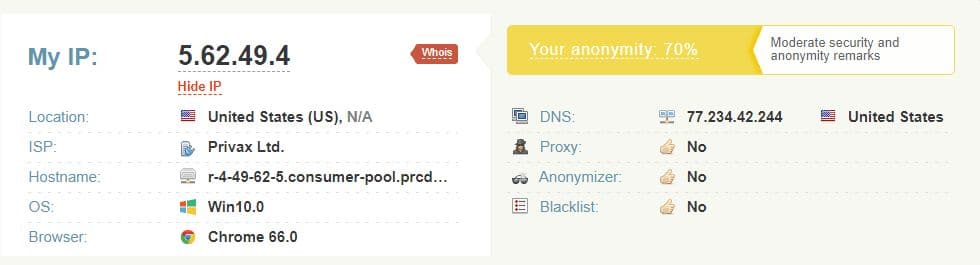
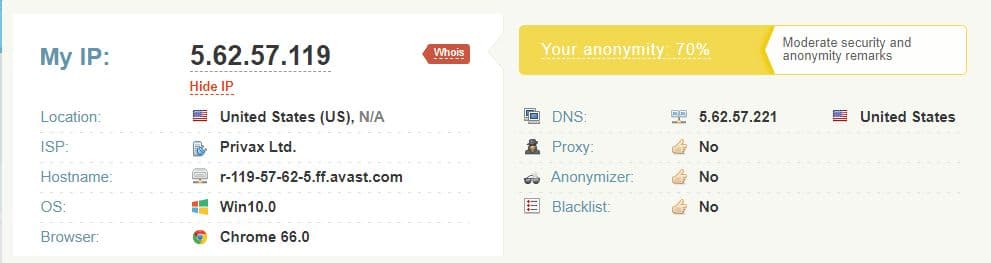
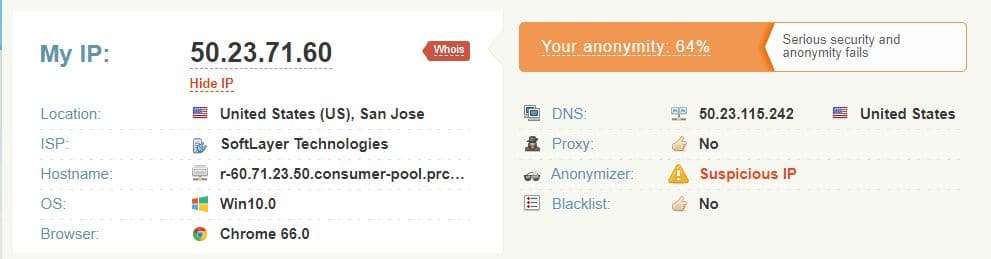
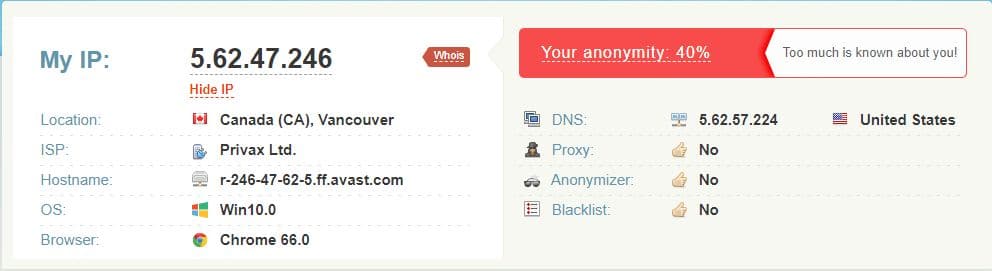
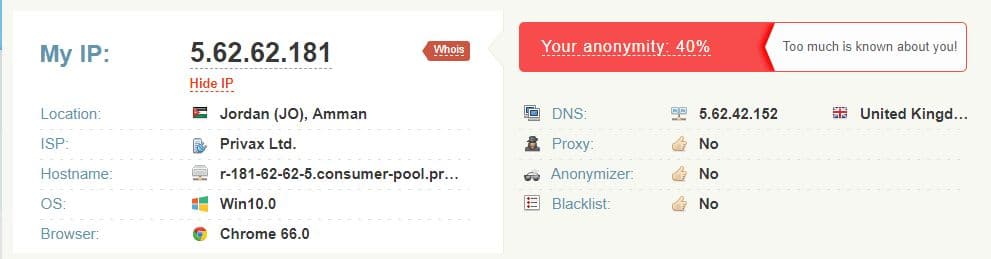
HideMyAss supports all of the most common VPN protocols. VPN protocols are rules that control how data is exchanged between computers on a VPN network. The most common VPN protocols are L2TP, PPTP, and Open VPN. Open VPN is considered the most reliable because it uses a stable OpenSSL for cryptography and authentication. HideMyAss supports Open VPN. Also, we used whoer.net to check how secure our VPN connection is.
Without VPN
After that, we checked all the servers used in the previous test.
Germany, Berlin
Netherlands, Amsterdam
Norway, Oslo
Czech, Prague
Switzerland, Zurich
United Kingdom, London
Poland, Warsaw
Italy, Milan
Albania, Tirana
Spain, Barcelona
Portugal, Leiria
Greece, Athens
Turkey, Istanbul
Georgia, Tbilisi
Ukraine, Odesa
Russia, Moscow
Uzbekistan, Samarkand
India, Mumbai
China, Beijing
Singapore
Japan, Tokyo
Philippines, Baguio
Australia, Melbourne
New Zealand, Auckland
USA, Miami
USA, Billings, Montana
USA, San Jose
Canada, Vancouver
Brazil, Rio de Janeiro
Venezuela, Caracas
Antigua and Barbuda, Saint John’s
Greenland, Ilulissat
South Africa, Johannesburg
Kenya, Nairobi
Nigeria, Lagos
Algeria, Annaba
Saudi Arabia, Riyadh
Jordan, Amman
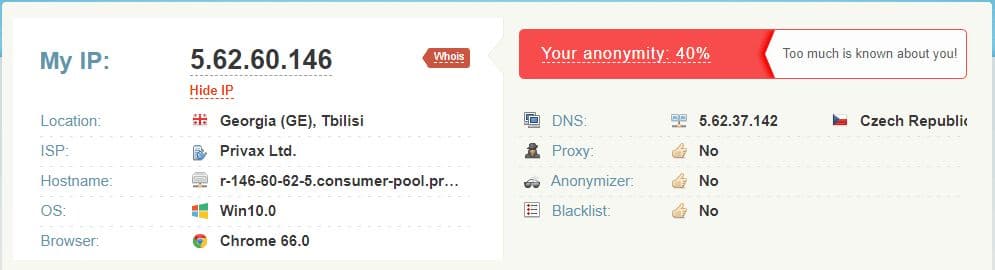
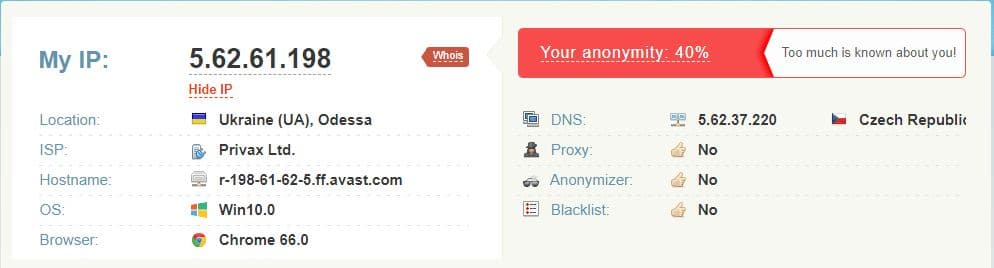
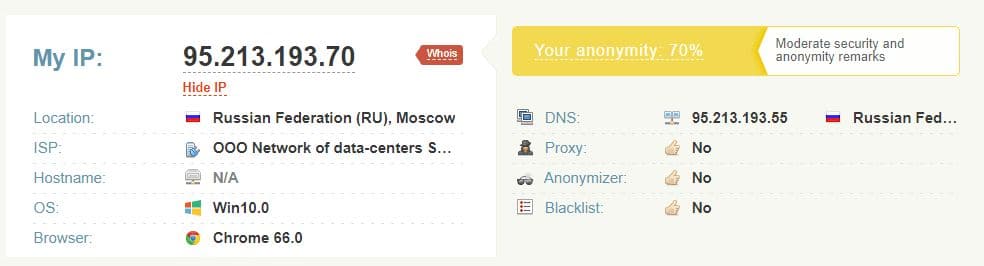
The connection was always secure, as HideMyAss provided its own IP and DNS. We did not register either IP or DNS leaks. And it’s really great.
8. Does HideMyAss work with Netflix, BBC iPlayer and Torrents?
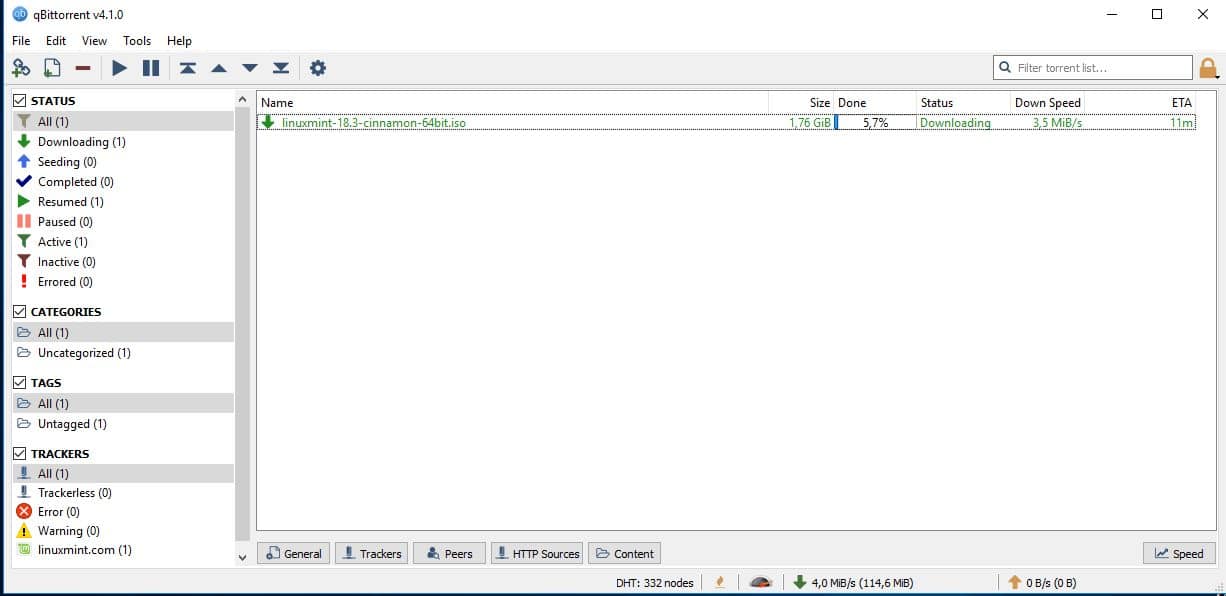
HMA can also be used with torrents, but only on certain servers. In other words, this service will not be the fastest option, if you intend to use it primarily for torrents. We also checked the download speed. We tried downloading Linux Mint distributive via Qbittorrent.
Here is the speed without VPN:
Let’s compare the speed connected to HideMyAss:
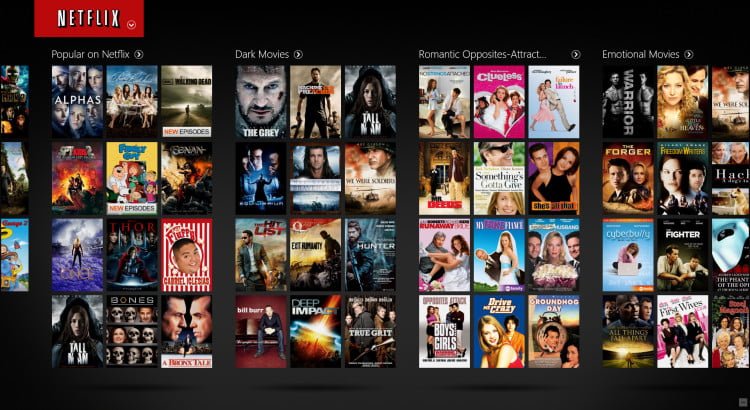
Then, we tried to connect to some geo-restricted streaming services.
Netflix
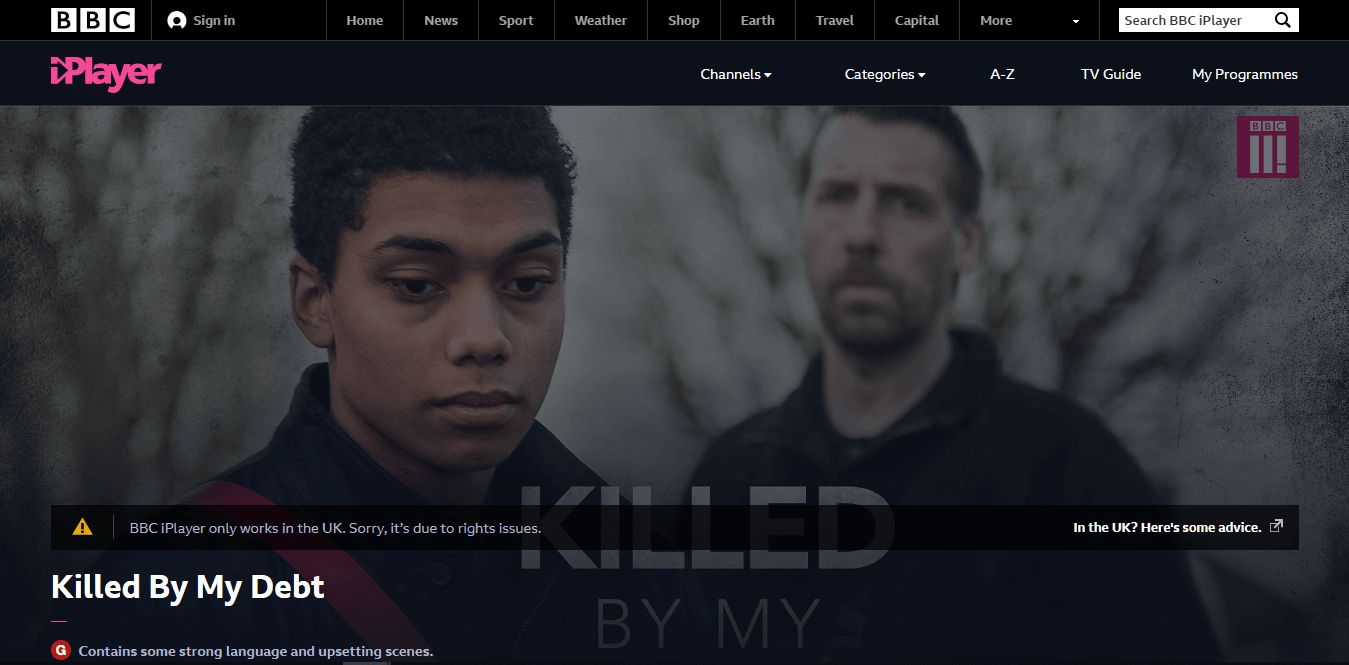
BBC iPlayer
ZDF
Canal+
ABC Australia
The HideMyAss VPN does a really great job. We could use almost all the services as promised. The only issue we had was with the BBC iPlayer, but users say that it is quite individual.
One of the best features of any VPN is the ability to use the locked services and sites being located in censored areas. One of the most strict countries is China. Unfortunately, the company does not guarantee to work in China via the application but you can try the manual configuration. We advise checking the settings before you are going to the area.
10. Support
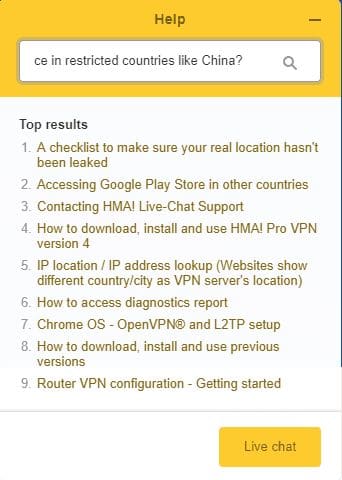
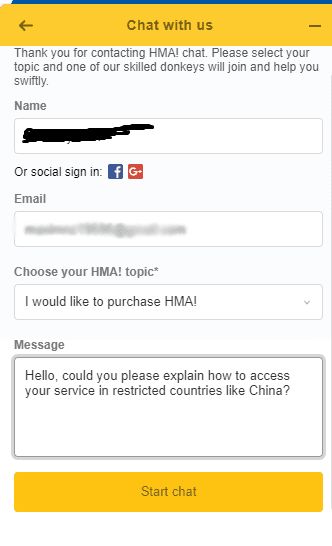
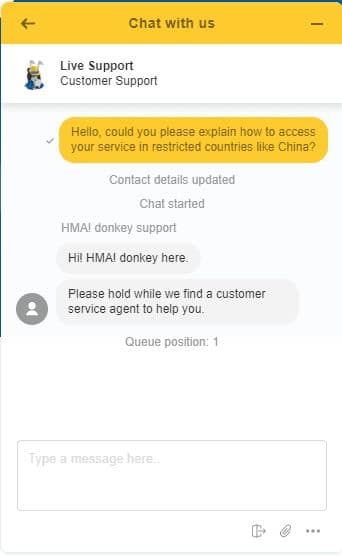
The support service is available via email, online chat, or even on the phone. We tried the online chat, and asked the following question:
Hello, could you please explain how to access your service in restricted countries like China?
In a few seconds, we got an answer:
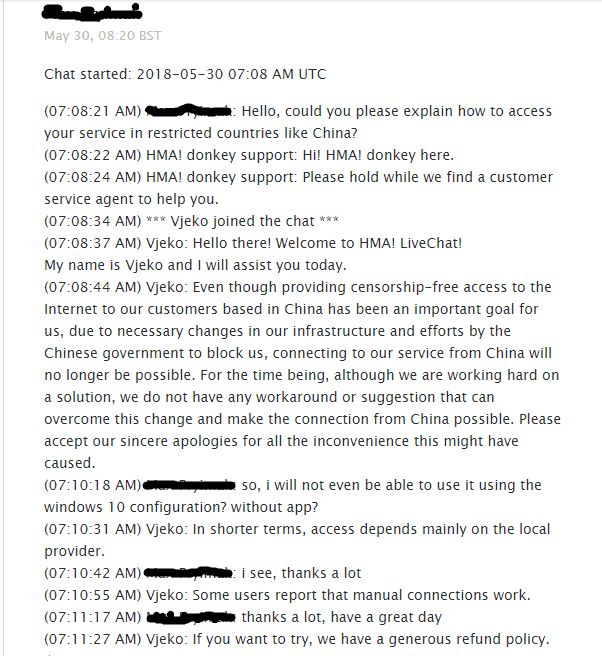
Even though providing censorship-free access to the Internet to our customers based in China has been an important goal for us, due to necessary changes in our infrastructure and efforts by the Chinese government to block us, connecting to our service from China will no longer be possible. For the time being, although we are working hard on a solution, we do not have any workaround or suggestion that can overcome this change and make the connection from China possible. Please accept our sincere apologies for all the inconvenience this might have caused.
In shorter terms, access depends mainly on the local provider. Some users report that manual connections work. If you want to try, we have a generous refund policy. 🙂
It was clear and not automatic. In a few minutes, we got an email with our chat log.
11. How to cancel your HideMyAss subscription
HideMyAss has a very strict refund policy. Here are the refund policy restrictions:
The service is based on a subscription, and it is updated every month, 6 months, or a year. You have 30 days to request a refund. However, it is not available when you update a subscription.
If you violate the usage rules, you cannot request a refund.
If you have used more than 10 GB of data, it means that you used the service without problems. In that case, you have no reason to request a refund.
If the number of connection sessions — the number of connections to HideMyAss servers — exceeds 100, you cannot request a refund.
Marcus is a cybersecurity analyst with a focus on VPN and proxy services. As the founder and driving force behind a prominent VPN and proxy website, Private Proxy Guide, Marcus has emerged as a trusted authority in the digital realm. With a passion for staying ahead of evolving cyber threats, he has played a pivotal role in educating and empowering individuals and businesses to safeguard their online presence.